
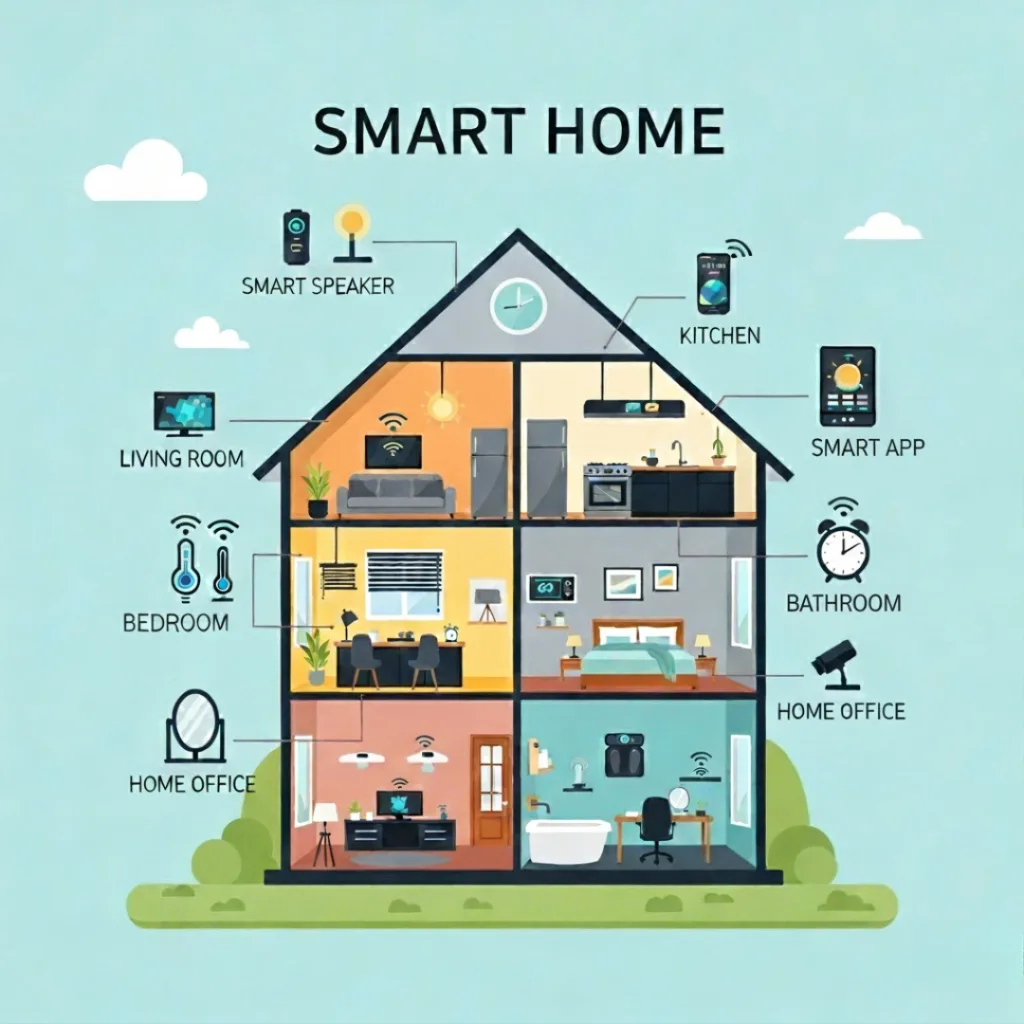
Are you ready to transform your house into an intelligent, connected haven?
Planning your smart home journey might seem confusing at first, but with the right roadmap, you’ll be enjoying the convenience and efficiency of automated living sooner than you think.
The smart home market has evolved rapidly, becoming an important part of modern lifestyle with devices connected to the internet. Homeowners are currently adopting a variety of smart devices, such as smart thermostats and voice-activated lighting, which allow their houses to be ready for their needs and adapt to their lifestyle.
Whether you’re a tech enthusiast or someone who wants to make daily life easier, this detailed guide takes you through each step of planning a smart home, enabling you to build a connected living space that matches your requirements and financial plan.
Understanding Smart Home Technology in 2025
What Exactly Is a Smart Home?
A smart home is a house with devices linked to the internet that can be watched, managed, and set to work from a distance. These devices talk to each other through your home’s Wi-Fi, forming a system that gets to know your routines over time.
Modern smart homes feature:
- Voice assistants like Alexa, Google Assistant, or Siri
- Smart thermostats that optimize energy usage
- Automated lighting systems that adjust to daily routines
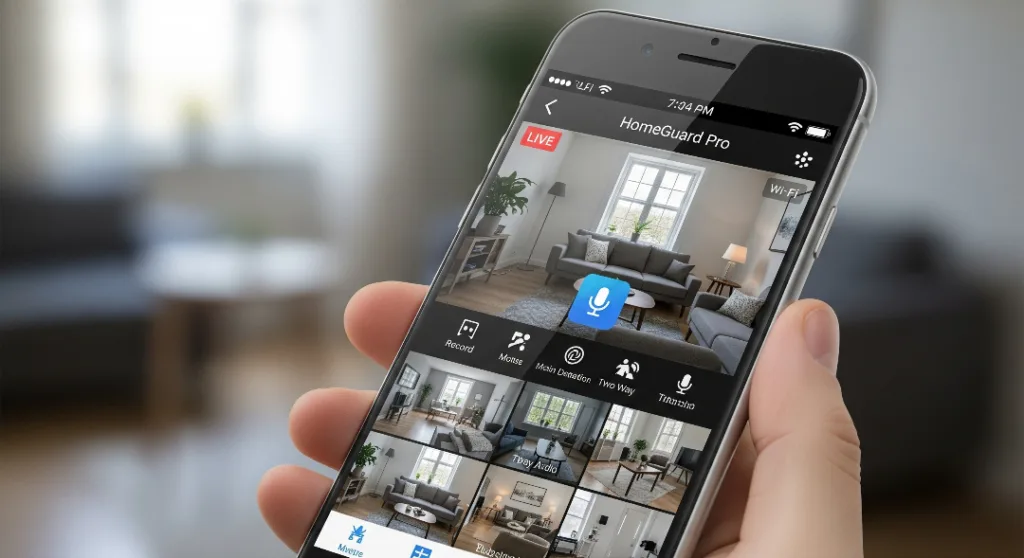
- Security cameras for enhanced safety
- Smart locks for keyless entry
Latest Smart Home Trends for 2025
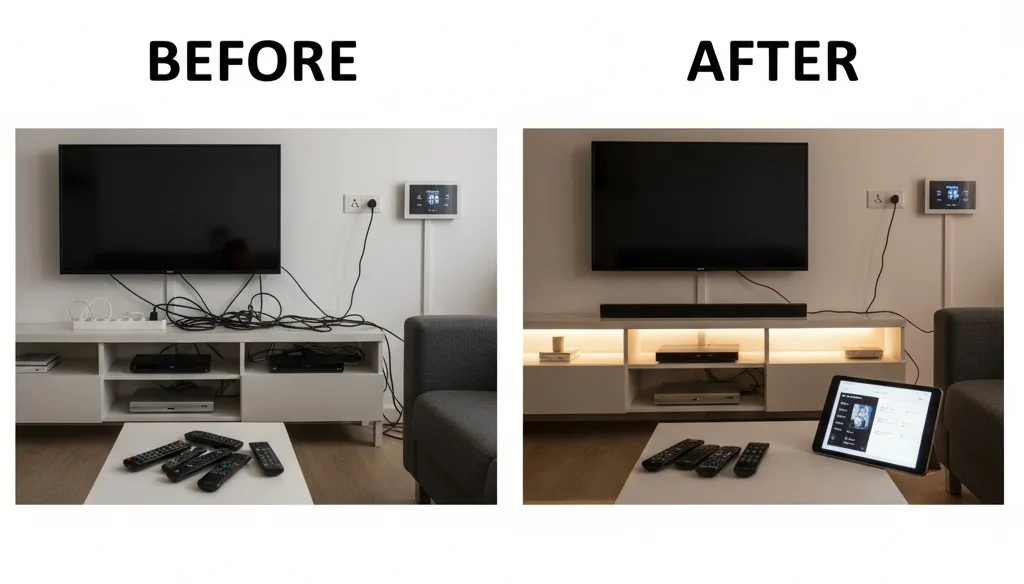
This year’s home automation trends focus on seamless integration:
Your home now predicts your needs using artificial intelligence to learn patterns and make adjustments automatically.
Smart devices offer improved security features such as facial recognition and instant alerts, which can help lower household utility bills by between 10% and 25%.
Step 1: Assessment and Goal Setting
Evaluating your current setup before deciding to invest in smart devices, it’s important to assess your current setup to avoid making expensive mistakes.
Check Your Wi-Fi Network: A stable internet connection is the backbone of any smart home. Consider upgrading to a mesh network system if you have dead zones.
Identify Your Pain Points: What frustrates you most about your daily routine? Common issues include:
- Forgetting to turn off the lights
- Constantly adjusting the thermostat
- Worrying about security when travelling
- Managing multiple entertainment systems using different remotes
Setting Smart Home Goals
You should align home automation goals with your lifestyle:
- Convenience: Automating routines like adjusting lighting and temperature control.
- Security: Installing cameras, smart locks, and monitoring systems.
- Energy Efficiency: Reduction in utility costs and environmental impact using smart home devices.
- Entertainment: Involve creating extensive audio-visual experiences.
Step 2: Choosing Your Smart Home Platform
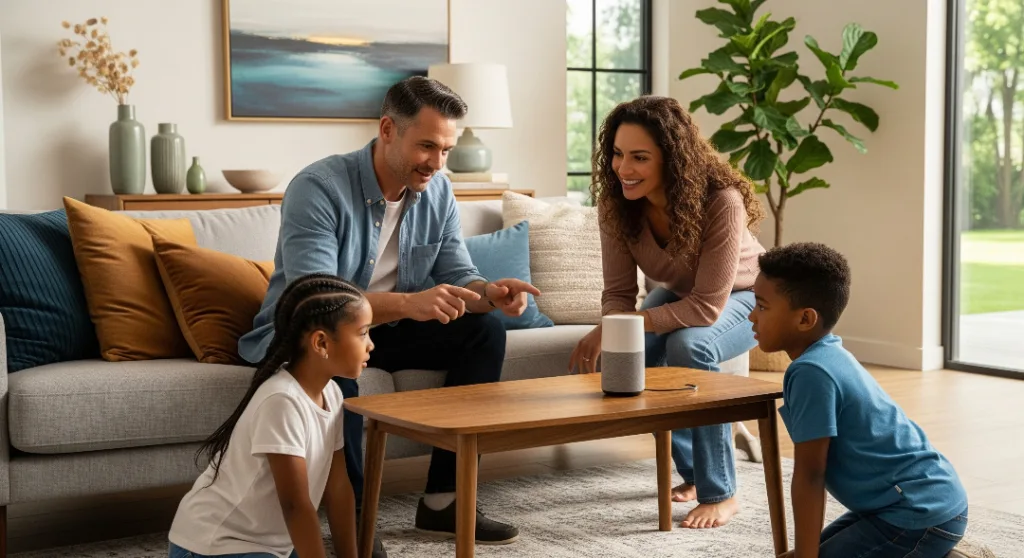
Amazon Alexa: Widest device support, strong voice recognition, good but command-based processing, broad integrations, standard security. Best for variety seekers.
Google Assistant works well with many devices, has great conversation skills, connects deeply with Google services, and offers strong security. It’s best for people who use Android or Google services.
Apple HomeKit has fewer but high-quality devices, offers good voice commands, integrates smoothly with Apple products, and provides excellent privacy.
It is ideal for iPhone users and those who care about privacy.
Step 3: Smart Home Budgeting
Smart home planning needs you to think carefully about your budget.
For a basic setup, you can spend between $200 and $500 on items like a smart speaker, smart bulbs, smart plugs, and a simple thermostat.
If you want more features, a mid-range setup costs between $500 and $1,500, including a smart doorbell, smart locks, a security system, and better lighting options.
For a full smart home, you’ll need more than $1,500, covering advanced security systems, whole-house audio setups, and professional installation.
It’s best to start with a few key devices and add more as you go.
A well-planned smart home grows gradually and naturally over time.
Step 4: Room-by-Room Strategy
Focus on entertainment and climate control:
- Living Room Essentials: Smart TV & streaming devices, universal remote control systems, smart thermostat with sensors, automated lighting.
- Kitchen / Efficiency Hub: Smart refrigerator, connected oven, leak sensors, smart coffee maker.
- Bedroom Sleep Optimization: Smart mattress, blackout curtains, temperature control, smart alarm clock.
Step 5: Installation and Setup
DIY vs. Professional Installation
The majority of smart home devices install themselves.
Perfect for DIY:
- Smart plugs and battery devices
- Plug-and-play cameras
- Smart speakers and hubs
Consider Professional Help:
- Hardwired switches and dimmers
- Whole-house audio systems
- Security system wiring
Avoiding Common Mistakes
Key pitfalls in smart home planning:
- Poor router placement is creating connectivity issues
- Ignoring security settings and default passwords
- Overloading electrical circuits
- Lack of documentation
Advanced Automation Features
Creating Smart Scenarios
Develop sophisticated automation routines:
Morning Routine
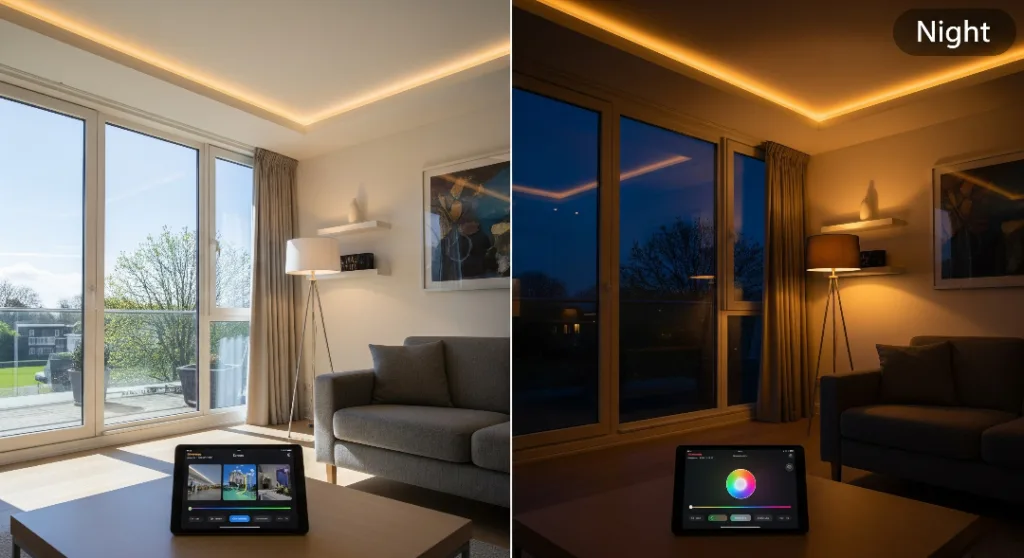
Lights slowly get brighter before the alarm goes off, the coffee maker begins making coffee, the day’s weather shows up on your screen, and the thermostat adjusts to a pleasant temperature.
Away Mode
Doors lock automatically, arm the security system, shut down the appliances, activate the cameras, and the thermostat shifts to an energy-saving mode.
Bedtime Sequence
Turn down the lights slowly, close the doors, make the room a bit cooler for better sleep, and turn off the TV and other fun gadgets.
Maintenance and Troubleshooting
Common Issues and Solutions
Keep your smart home system updated and running smoothly:
- Connectivity Problems: Check Wi-Fi, restart router/hubs, update firmware.
- Device Response Issues: Verify power, reset devices, and check for updates.
- Regular Maintenance: Update software, check batteries, review rules, test security.
Future-Proofing Your Investment
Emerging Technologies
Stay ahead with these smart home trends:
Matter Protocol: It is a universally accepted standard that has minimized compatibility issues between platforms.
Enhanced AI: AI-enhanced sophisticated learning and prediction capabilities provide more reliability.
Edge Computing: Faster local processing, reducing cloud dependence.
Planning for Growth
Design with expansion in mind:
- Choose scalable platforms
- Install extra electrical capacity
- Select devices with strong update support
Frequently Asked Questions
How much does a smart home cost?
Smart home planning costs change widely depending on the country and region. Basic setups start at $200-$500, while comprehensive systems can reach $5,000+. Most homeowners invest $1,000-$2,500 for balanced functionality.
What should I buy first?
You can start with a smart speaker or hub, then add smart bulbs and plugs. These provide immediate benefits while teaching you how smart home technology works.
Can I install devices myself?
Many smart home devices are DIY-friendly, including plugs, bulbs, and sensors. Hardwired switches and security systems often require professional installation.
Are smart homes secure?
Modern devices include advanced security features. Always change default passwords, enable two-factor authentication, and maintain updated firmware.
Do smart homes save money?
Yes, home automation reduces utility bills through efficient energy management. Smart thermostats alone save 10-20% on heating and cooling costs.
Conclusion: Start Your Smart Home Journey Today
Planning your smart home journey doesn’t have to overwhelm you. By following this systematic approach—from assessment through installation—you’ll create a connected home that enhances daily life within your budget.
The most successful smart homes grow step by step, giving you the chance to learn and adjust as new technologies come along. Begin with simple solutions, find new ways to improve your life, tackle real issues, and keep adding more features.
Your smart home journey starts with selecting one device. You should start with a small setup by choosing devices that fit your needs, and experience the amazing benefits of living smarter.
Ready to transform your space? Begin today and experience the future of home automation.
