
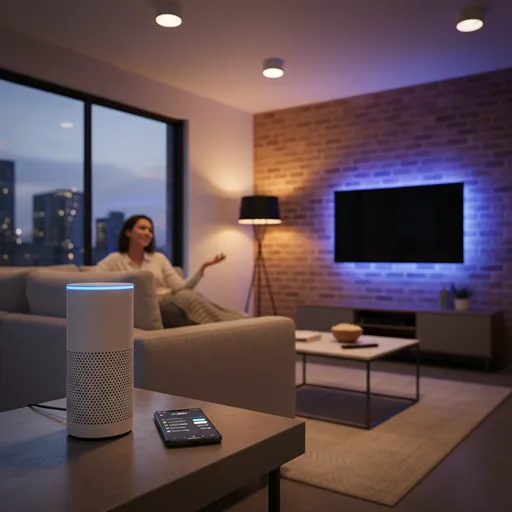
If you want your home to be smart in a way that genuinely makes life simpler — not just flashy — learning how to integrate smart speakers with home lighting systems is the single best place to begin. In less than an hour, you can transform repetitive wall-switch tap-dances into a simple speech phrase that sets the tone, saves energy, and increases safety. This isn’t sci-fi voice wizardry; it’s actual automation, like morning lights that wake you up, bedtime scenes that turn everything off, and motion-activated porch lights that greet you when you arrive. What is the good news? The technology has matured.
Standards like Matter are making devices play nicer across brands, and market leaders (Amazon, Google, Apple) each offer robust voice platforms that connect with hundreds of smart light products.
Follow this hands-on guide and you’ll get step-by-step instructions, smart buying advice, real examples, troubleshooting tips, and an FAQ designed for US homeowners. Read on, and by the end, you’ll be able to say, “Alexa (or Hey Google), lights to 30%,” and actually mean it. No guesswork. No tech guilt. Just lights that do what you want, when you want them to.
- The Modern Smart Home Tech Stack
- Choosing An Ecosystem
- Smart Bulbs or Smart Switches?
- How to Integrate Smart Speakers with Home Lighting Systems: Step-by-Step Integration Workflow
- Real-Life Example: Building a Reliable “movie-time” Automation
- Advanced Automations: Triggers, Sensors, and Cross-Brand Glue
- Security, Privacy, and Best Practices
- Troubleshooting: Common Headaches and Durable Fixes
- Buying guide
- FAQs
- Conclusion
The Modern Smart Home Tech Stack
A speech-enabled lighting system consists of four layers: the voice controller (your smart speaker), device hardware (smart lights, switches, and plugs), the network (Wi-Fi, Zigbee, Thread, or Matter/IP), and automation logic (routines, scenes, or third-party services).
Your speaker — an Amazon Echo, Google Nest, or Apple HomePod — is the command centre that parses speech and talks to the rest of the stack.
Smart bulbs talk either directly to Wi-Fi or to a mesh protocol like Zigbee or Thread through a hub. The hub, or hubless Matter controller, handles discovery and local routing.
Automations are the scripts that bundle multiple actions into a single scene — the “movie time” you’ll want.
For developers and curious owners, the Connectivity Standards Alliance (the body behind Matter) explains how Matter brings security and interoperability to this architecture.
Choosing An Ecosystem
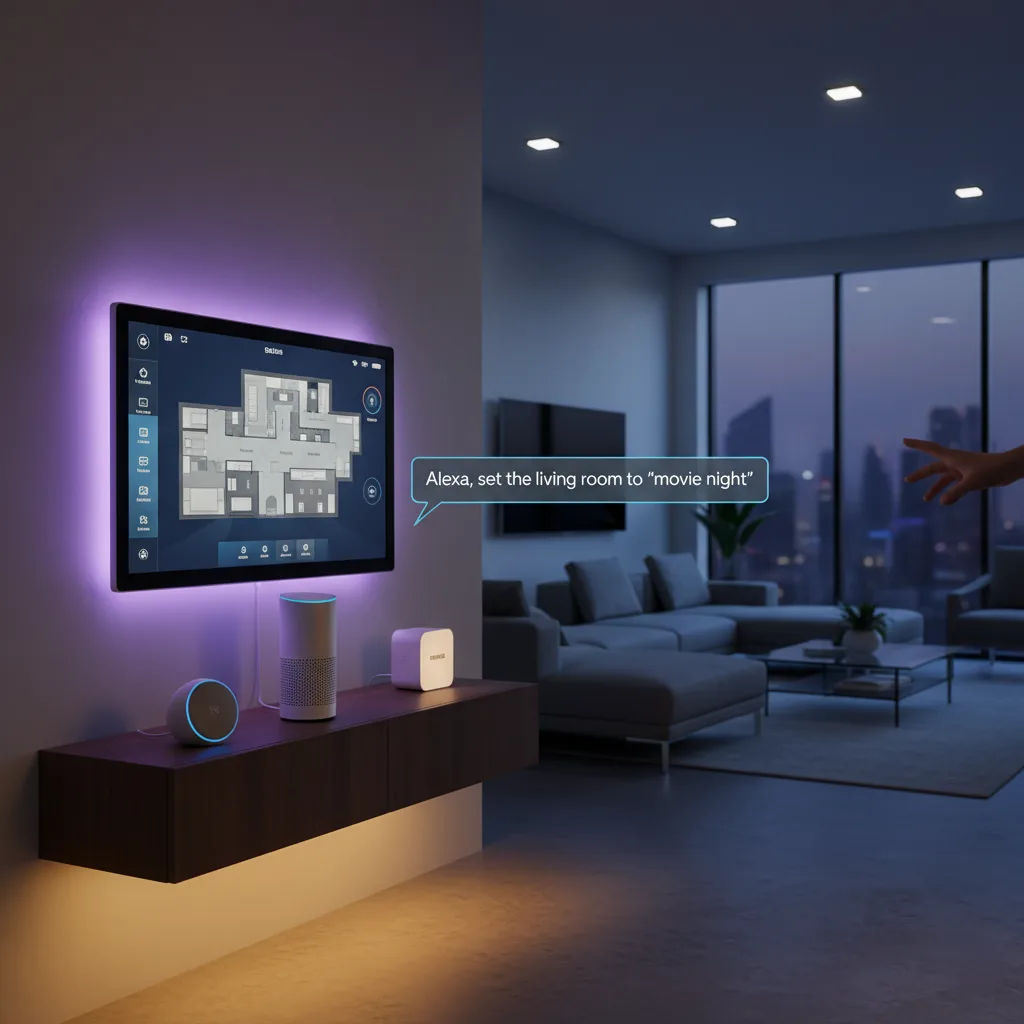
Every ecosystem has an own flavour. Alexa is compatible with a wide range of devices and has a strong skill marketplace; Google Assistant excels in natural language and contextual responses; and Apple’s HomeKit prioritizes privacy and tight iPhone integration. The friction point used to be compatibility: items developed for one ecosystem often failed in another.
Enter Matter, an industry standard that allows devices to be certified to work across controllers, which reduces the vendor-lock headaches we all used to endure. Matter is rolling out across major brands and promises simpler onboarding and better cross-brand reliability, so if you’re buying new gear, seek out Matter-certified tags.
For example, Google’s developer pages and the CSA explain how Matter lets certified products work with multiple controllers with less friction.
Smart Bulbs or Smart Switches?
Smart bulbs are the fastest path to voice control. Screw in a bulb, set it up, and the colour/temperature/brightness options appear. But the catch: physical wall switches can cut power to the bulb and put it offline.
Smart switches solve that by controlling the circuit, preserving the physical control and handling multiple fixtures from one location.
For renters or people who want quick, reversible installs, bulbs are ideal. For whole-home or ceiling fixtures, smart switches or smart dimmers are the professional choice. If you wish to have both convenience and a physical interface, consider smart switches wired to keep the load powered while using wall-mounted scene controllers as the tactile fallback.
How to Integrate Smart Speakers with Home Lighting Systems: Step-by-Step Integration Workflow
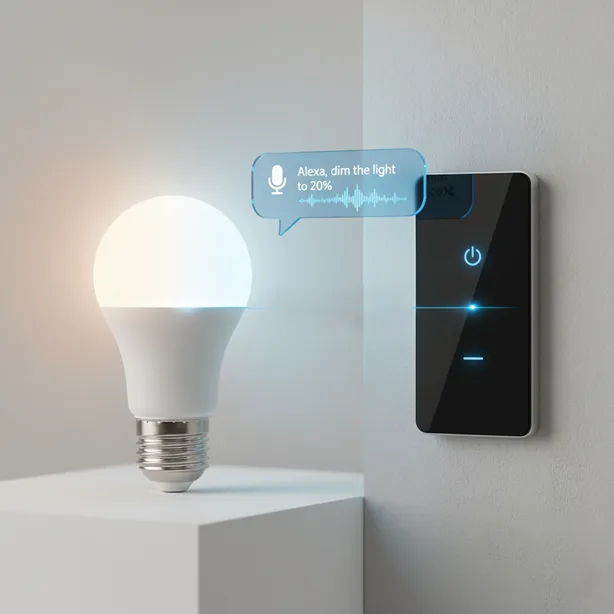
Start at the network. Make sure your Wi-Fi is stable and that devices will sit on the right band (many devices prefer 2.4GHz). If you’re deploying dozens of endpoints, plan for a Zigbee/Thread coordinator or a robust mesh Wi-Fi system. Next, install and update firmware for each device in its vendor app: add the bulbs to the bulb maker’s app (for example, Philips Hue), update the Bridge or hub, then test them locally. Once the lights are healthy in their native app, link that account to your voice assistant app (open the Google Home app or Alexa app and enable the vendor integration). For Google Home, the app supports adding devices and creating automations; it even claims support for tens of thousands of compatible devices when properly added.
After linking, create rooms/groups and name them clearly. “Kitchen Lights” beats “Plug 2” every time. Then make routines and scenes: a “Goodnight” routine that turns off all lights, or a “Welcome Home” routine that sets porch and hallway lights. If devices are Matter-capable, use the controller’s Matter onboarding flow for simpler pairing and future cross-ecosystem control. For Philips Hue users, following the official Hue-to-Alexa or Hue-to-Google steps will spare you hours of guesswork.
Real-Life Example: Building a Reliable “movie-time” Automation
Picture this: sofa reserved, snacks prepped, everyone ready. You want lights that dim, bias LED strips behind the TV to warm amber, and smart shades to close — all from one command. Begin by selecting compatible devices such as color-changing overhead lamps, a smart plug for the LED strip, a shade motor that works with your selected platform, and a voice speaker in the room. Add each device to its native app, put them under “Living Room,” and then create a single routine called “Movie Time” in your voice assistant app. Test once. Test twice.
Expect a hiccup the first day when a physical switch gets flipped accidentally; the fix was to replace that wall switch with a smart dimmer that keeps bulbs powered and uses a scene controller for tactile control. After that, reliability increased, and the kids learned the ritual: one phrase, instant theatre. This is the payoff of planning: predict the power flow, and you avoid the most common failure mode.
Advanced Automations: Triggers, Sensors, and Cross-Brand Glue
Beyond basic scenes, add intelligence. Motion sensors can trigger hallway lights at night only if certain conditions are met (for example, after 10:00 p.m.). Geofencing executes “Welcome Home” routines when your phone enters the area. Time-based events adapt lighting to sunrise and sunset.
When native integrations fall short — say your brand doesn’t talk to your chosen assistant — third-party services like IFTTT or SmartThings can bridge the gap. However, native integrations remain faster and more reliable. Use cross-platform glue for creative automations, but keep mission-critical actions on native integrations for speed and reliability.
Security, Privacy, and Best Practices
Smart devices are convenient, and that convenience can open doors if not managed properly. Put IoT devices on a segmented guest network or VLAN to limit lateral movement, enable WPA3 if your router supports it, and choose strong, unique passwords. Keep firmware updated; many devices ship with cloud-facing services that push security updates. Check voice assistant privacy controls — you can often delete voice history and restrict what’s stored. If privacy is a priority, Apple HomeKit offers stronger local control and privacy features. Matter also emphasizes security and local control when possible, reducing cloud dependence for basic operations.
Troubleshooting: Common Headaches and Durable Fixes
Devices not discovered? Restart the hub and router, and check that the vendor app shows the device online. Commands that lag might be caused by Wi-Fi congestion; move the hub away from metal, microwave ovens, and cordless phones.
When a bulb works in its vendor app but not in Alexa/Google, re-link the account in the voice app and re-sync devices. If physical switches cut power to smart bulbs, either swap in smart switches that keep power to the bulbs or wire in scene controllers. For whole-home installs, plan for a coordinator’s topology — extra hubs or stronger mesh Wi-Fi will save you heartache.
Buying guide
If you rent, start with Wi-Fi smart bulbs that are easy to remove.
Budget-friendly brands work great for single fixtures. If you’re setting up a single room for atmosphere, a starter kit with a Matter-capable speaker and two colour bulbs gives immediate returns.
For whole-home installs, invest in Zigbee/Thread devices and a solid hub or a Matter controller for long-term reliability. Big brands like Philips Hue remain a top pick for colour and ecosystem support; their Bridge unlocks whole-home features and integration with Google and Alexa.
Quick note on scale and futureproofing: If you plan to expand beyond a few bulbs, pick devices that receive firmware updates and look for Matter certification. Matter’s ongoing updates (including recent tap-to-pair and multi-device QR features) are specifically designed to make onboarding less painful—so choosing Matter-capable gear today reduces friction tomorrow.
FAQs
Can any smart speaker control any smart bulb?
Not always. Many smart bulbs work with Alexa or Google, but some need a vendor bridge (like Philips Hue’s Bridge) or specific protocols (Zigbee/Thread). Check compatibility before buying. When in doubt, find Matter-certified devices to maximize cross-ecosystem control.
What’s the main difference between smart bulbs and smart switches?
Smart bulbs let you change colour and temperature per lamp; smart switches take over the circuit and control entire fixtures. Bulbs are renter-friendly; switches are better for whole-house installs and preserving wall control and physical switches.
Will voice control work if the internet is down?
It depends on the platform. Some routines and commands work locally if devices and the hub support local control; many voice assistants still rely on cloud services for natural language processing. For critical automation, prioritize local-capable devices and hubs.
How does Matter help my smart home?
Matter standardizes device communication across ecosystems, simplifying onboarding and improving cross-brand compatibility. Choosing Matter-certified devices lowers the risk of future compatibility headaches.
Is Alexa better than Google for smart lighting?
Both are powerful; Alexa offers broad device compatibility and a deep skill ecosystem, while Google Assistant has excellent natural language understanding. Pick the one that matches your phone and daily habits — both will control lights effectively.
How can I keep my smart lights secure?
Segregate devices on a guest network or VLAN, enable strong Wi-Fi encryption, enable automatic firmware updates, and review voice assistant privacy settings to limit stored voice history and access.
What if some devices won’t integrate with my speaker?
Look for vendor app updates or account linking; if integration remains missing, SmartThings or IFTTT can bridge features, but native connections are more reliable for daily use.
Conclusion
Integrating smart speakers with house lighting systems is one of those rare technological innovations that pays for itself in terms of convenience, safety, and ambience. Begin with a single Matter-ready speaker and a pair of color bulbs. Test, properly define things, and create routines that are applicable in real life. Want a quick starting point? Purchase a Matter-ready smart speaker (Google Nest or Amazon Echo) and a Philips Hue starter kit for broad compatibility, consistent firmware upgrades, and easy integration with Alexa or Google. Philips Hue provides detailed setup guides to connect with both Google Assistant and Alexa — follow those to avoid the rookie mistakes.
Now for the no-fluff hook: imagine walking into your house and the lighting knows you’re home before you say a word. That’s not future talk — that’s today, if you pick the right gear and set up the right routines.
If you’re ready, here’s what I recommend: choose your ecosystem (Alexa or Google), pick a Matter-capable starter kit (speaker + two bulbs), and commit one evening to set it up. Do you want me to recommend the top three starting kits for your budget and ecosystem? Please let me know if you prefer Alexa, Google, or HomeKit, and I’ll put together three curated kits with direct purchasing options and a step-by-step setup checklist.
Click to have your living room listen. Your future “Goodnight” ritual will appreciate you.
