

Have you ever seen the commercials in which lights dim with a simple voice command, and doors lock themselves when you leave, and music follows you from room to room? Isn’t it the dream of a connected home, i.e., a smart home?
Following our discussion in What is Home Automation? A Beginner’s Guide to a Smarter, Easier Life, we explored how home automation uses everyday devices to make your life more convenient.
But when you try to build one, the dream can quickly turn into a nightmare. You buy a smart bulb, and it won’t connect. You get a new smart lock, and it doesn’t work with your existing setup.
Frustration sets in. It feels like you’re trying to solve a puzzle with all the wrong pieces.
The problem isn’t you. It’s the confusing maze of technologies that power these devices. There are multiple languages that smart gadgets speak, and without a translator, they can’t talk to each other.
But what if you had a map?
What if you understood the core technologies—WiFi, Zigbee, Z-Wave, and Matter—that make it all work? This guide will demystify the tech behind the scenes. We’ll explain to you how every device works, why it’s essential to select the right technology, and how you can build a perfect smart home.
Are you ready to achieve a truly smooth, connected home experience?
Let’s begin.
WiFi: The Foundation of Connectivity
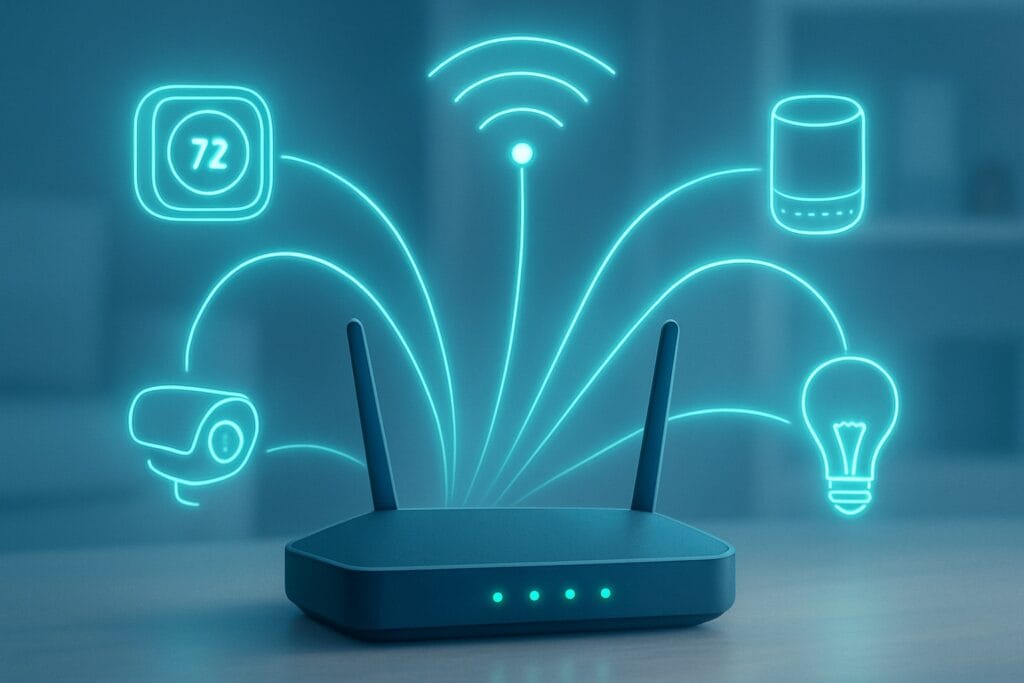
Imagine of WiFi as your own private digital highway. You’re already familiar with and using this technology every day. It connects the smartphone, laptop, and smart TV to the internet. Since most homes already have a WiFi network, it’s one of the easiest ways to get started with smart devices. You connect the new gadget to your existing network, and you’re good to go.
How WiFi Works
WiFi uses radio waves on the 2.4 GHz or 5 GHz frequency bands to send data between your router and your devices. Every device is assigned a unique IP address, allowing it to connect with other devices on your network. The main benefit here is simplicity: devices such as smart speakers and CCTV cameras may broadcast high-quality audio and video without having a separate hub. They are connected directly to your home network.
WiFi’s Strengths & Weaknesses
Every technology has trade-offs. Wi-Fi is the most popular smart home protocol, even though it is not compatible with all devices.
Pros:
- High Bandwidth: It may handle large amounts of data, thus making it suitable for watching videos to the smart doorbell or surveillance system.
- Widespread Adoption: Since most people use it, configuring a Wi-Fi smart device is typically an easy task.
- No Hub Required: Many WiFi devices connect directly to your router, so you don’t need a separate piece of hardware to get started.
Cons:
- High Power Consumption: It’s a power-hungry technology. This is great for devices that are plugged in, but terrible for battery-powered sensors, which would need their batteries changed constantly.
- Network Congestion: The more WiFi devices you add, the more traffic you put on your network. This can slow down your internet speed, especially if you have a lot of users and smart devices all competing for bandwidth.
- Limited Range: While a powerful router can cover a lot of ground, thick walls and distance can create dead zones where your devices won’t work.
Zigbee: The Mesh Network Master
If WiFi is a highway, Zigbee is a local, low-traffic road system built for efficiency. It’s a wireless standard specifically designed for smart home automation. Instead of connecting to a central router, Zigbee devices form a mesh network.
What is a Zigbee Mesh Network?
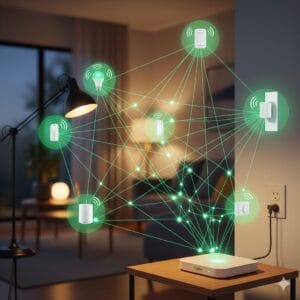
A Zigbee mesh network is a self-healing web of devices. Think of it like a chain of friends passing a message. Each mains-powered Zigbee device (like a smart light bulb or a smart plug) acts as a repeater, extending the signal to other devices. This means that if one device goes offline, the others can find a new route to send the signal, creating a more robust and reliable network.
Because of its distinctive architecture, Zigbee devices do not overload your WiFi network. They are linked together by a single Zigbee hub that operates at a low-power frequency (often 2.4GHz) and connects the entire network to the Internet.
Strengths and Weaknesses of Zigbee
Pros:
- Low power consumption. This is Zigbee’s main advantage. Devices may run on a single battery for years, making them ideal for door sensors, motion detectors, and smart locks.
- Excellent for Battery-Operated Devices: No need to constantly change batteries.
- Robust Mesh Network: The self-healing nature of the mesh provides a reliable connection throughout your home, bypassing obstacles that would block a typical WiFi signal.
Cons:
- Requires a Central Hub: You need a Zigbee hub (like a Samsung SmartThings hub or an Amazon Echo with a built-in Zigbee radio) to connect your devices to your network and the internet.
- Potential for Interference: Since it operates on the crowded 2.4 GHz frequency, it can sometimes interfere with WiFi or Bluetooth devices.
Step-by-Step Guide: Setting up a Zigbee Device
Getting started with a Zigbee device is straightforward once you have a hub.
- Plug in and Power On Your Hub: Place your Zigbee hub in a central location in your home and connect it to power and your router.
- Open the Hub’s App: Launch the app for your hub (e.g., Samsung SmartThings, Amazon Alexa, or a dedicated app for your hub) and follow the on-screen instructions to add a new device.
- Place Your Device in Pairing Mode: This usually involves holding down a button on the device until an LED light blinks. Refer to the device’s manual for specific instructions.
- Confirm the Connection: Your hub’s app will search for and discover the new device. Once it’s found, you can give it a name and assign it to a room. Now you can control it!
Z-Wave: The Long-Range Specialist
Like Zigbee, Z-Wave is another powerful wireless protocol for smart home automation that uses a mesh network. However, it operates on a completely different, much less crowded frequency. In the United States, for instance, it uses the 908.42 MHz frequency. This key difference makes it a long-range specialist.
What Makes Z-Wave Unique?
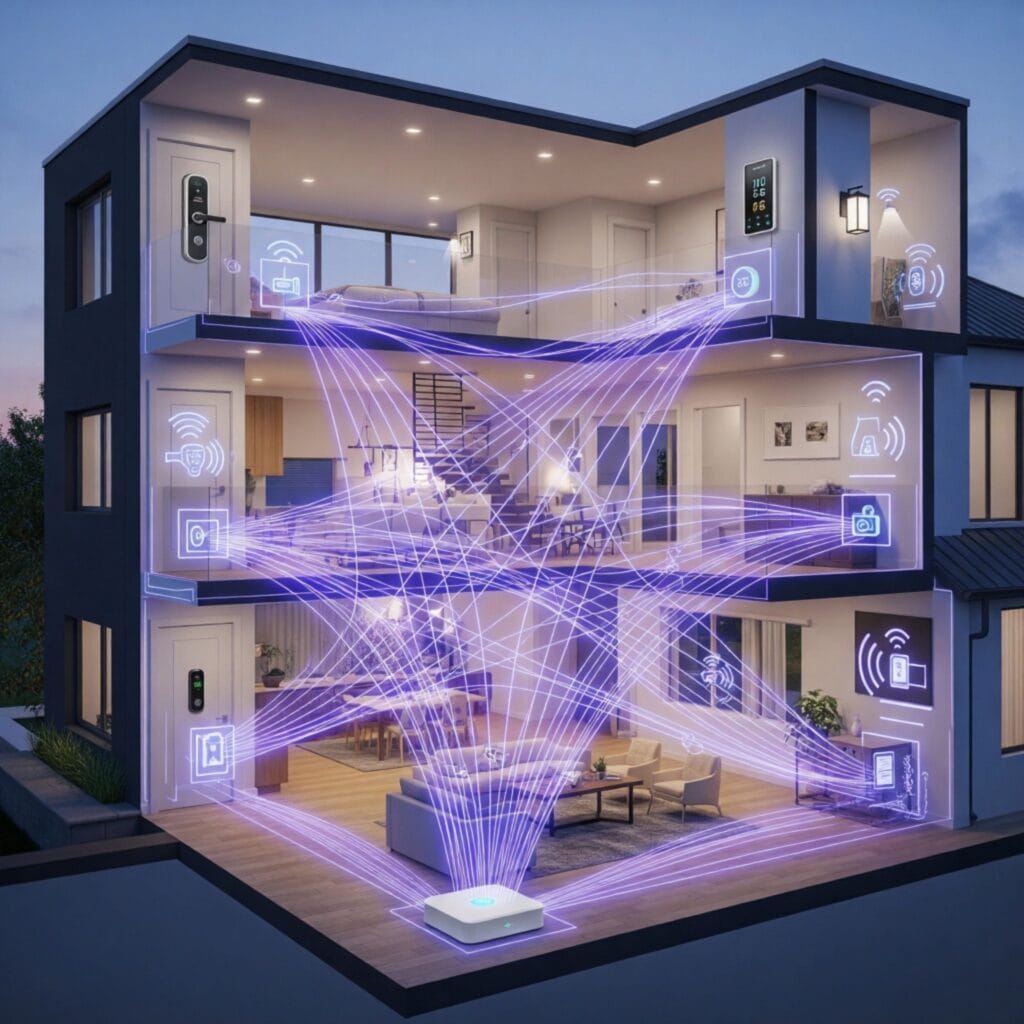
Because Z-Wave runs at an entirely distinct frequency from the WiFi network, it is significantly less subjected to interference from ordinary household devices such as microwaves or routers. This results in a stronger and reliable connection. Z-Wave signals can go further and can penetrate through floors and walls far more efficiently than either WiFi or Zigbee, which is why it makes it an excellent alternative for bigger houses or buildings with multiple stories.
Z-Wave’s Strengths & Weaknesses
Pros:
- Long-Range & Reliable: The low-frequency signals travel farther and bypass obstacles more easily, providing a strong connection even in a large house.
- Minimal Interference: It operates on a separate frequency from WiFi and Bluetooth, ensuring your smart devices won’t compete with your other electronics.
- Strong Security: The Z-Wave Alliance uses robust certification procedures to ensure high levels of security and interoperability.
Cons:
- Z-Wave networks, like Zigbee, require a dedicated hub to operate.
- Z-Wave devices cost slightly more than Zigbee equipment due to the private nature of the technology and the certification procedure.
Comparison: Zigbee vs. Z-Wave
| Feature | Zigbee | Z-Wave |
|---|---|---|
| Frequency | 2.4 GHz | 908.42 MHz (US) |
| Range | Good (with mesh) | Better (with mesh) |
| Power | Very Low | Very Low |
| Interference | Can be affected by Wi-Fi | Minimal interference |
| Device Limit | 65,000+ | 232 |
| Best For | Devices needing high speed (lights) | Devices needing long range (locks) |
For most consumers, both Zigbee and Z-Wave are excellent choices. The decision often comes down to which ecosystem and devices you prefer.
Matter: The Future of Interoperability
Here’s the biggest problem with the smart home today: incompatibility. You buy a Google smart speaker and then a new smart lock that only works with Apple HomeKit. Your devices don’t play well together.
This is the problem that Matter was created to solve.
What is Matter?
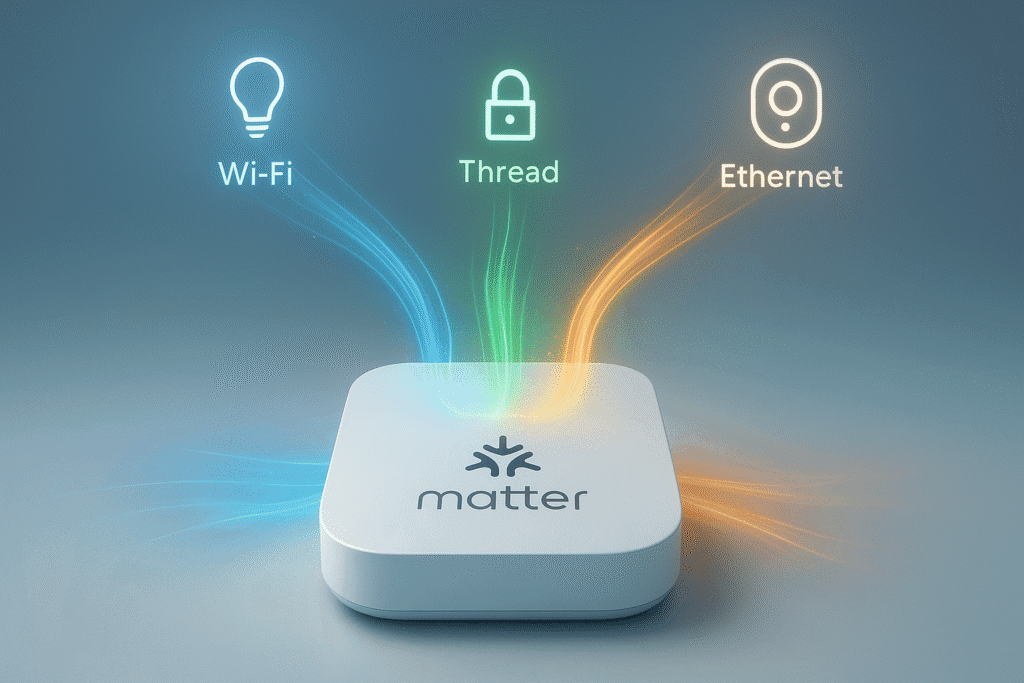
Matter isn’t a new technology, like WiFi or Zigbee. Instead, it is an open and worldwide standard. It’s a standard language that enables gadgets from many brands to communicate easily. Imagine a world in which a Philips Hue light bulb, a Nest thermostat, and an August smart lock work together, independent of the manufacturer.
Developed by the Connectivity Standards Alliance (CSA), a group that includes tech giants like Apple, Google, Amazon, and Samsung, Matter is designed to work over existing network technologies like WiFi and Thread (a new low-power mesh protocol similar to Zigbee).
Matter’s Impact on the Smart Home
The introduction of Matter is a game-changer.
- Less Confusion: The Matter logo on a product box means it will work with any Matter-certified platform. No more guessing if a device will work with your smart home hub.
- More Choices: You can mix and match devices from different brands to create the perfect setup for your home
- Simplified Setup: Matter uses a simple QR code setup process, making it easier than ever to add new devices to your network.
Matter is the future of the smart home. It’s the single standard that will finally unite all your devices into one cohesive system.
Your Guide to Choosing the Right Technology
So, how do you navigate this landscape of core technologies? It’s all about your specific needs.
The Right Tech for Your Needs
- For High-Bandwidth Devices: Choose WiFi. Smart security cameras, video doorbells, and media streamers require a lot of data. WiFi is the clear winner here.
- For Low-Power Sensors: Go with Zigbee or Z-Wave. For devices that run on batteries and need to be reliable—like motion sensors, door sensors, and water leak detectors—these mesh network technologies are the best solution.
- For Future-Proofing: Look for the Matter logo. As more and more devices become Matter-certified, your smart home will become more flexible and scalable.
A Step-by-Step Action Plan
- Assess Your Needs: What do you want to automate? Do you want to control lights? Monitor security? Save energy?
- Choose a Hub: Start with a Matter-certified hub that supports WiFi and either Zigbee or Z-Wave (or both!). This gives you the most flexibility. Brands like Samsung SmartThings, Apple HomePod Mini, and Google Nest Hub are great places to start.
- Start Small: Never try to automate the whole house at once. Begin with a specific area or a particular function, such as a smart lighting system. Get familiar with the technologies.
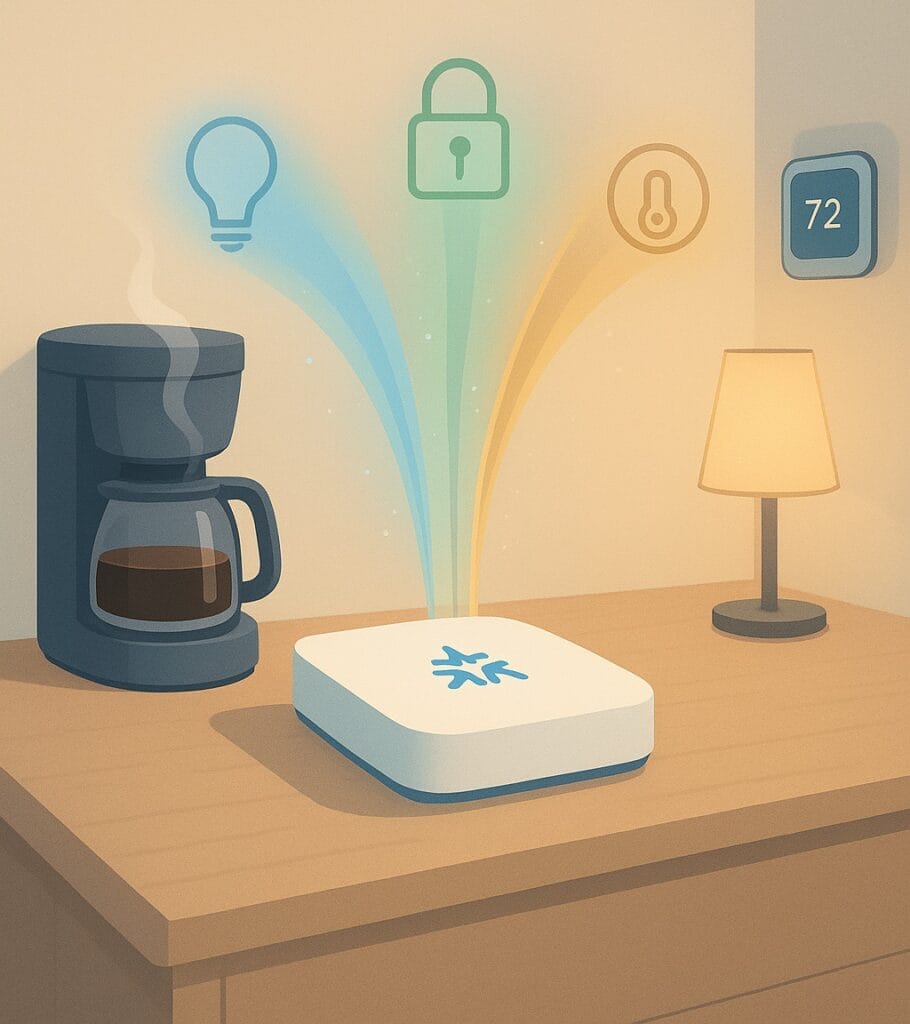
A Smarter, Simpler Life awaits
The basic technologies that power smart devices have no limitations; rather, they form the foundation of a less complicated and more convenient life. By understanding the roles of WiFi, Zigbee, Z-Wave, and the unifying power of Matter, you can move beyond frustration and start building the smart home of your dreams.
Imagine waking up, and the coffee machine starts automatically. Picture your lights adjusting to the time of day and your thermostat learning your preferences to save you money. This isn’t science fiction. It’s a reality waiting for you.
You don’t need to be a tech guru to make it happen. You need the right tools.
Ready to build your smarter, simpler life?
Explore our selection of WiFi, Zigbee, Z-Wave, and Matter-certified smart devices and hubs today and take the first step toward a truly connected home.
FAQ (Frequently Asked Questions)
Q1: Can Wi-Fi, Zigbee, Z-Wave, and Matter coexist?
A: Yes. A unified system often uses Wi-Fi for significant bandwidth requirements, Zigbee/Z-Wave for power-efficient sensors, and Matter for independent of platforms connectivity.
Q2: Does Matter replace Zigbee and Z-Wave?
A: Not yet. Matter aims to unify ecosystems, but Zigbee and Z-Wave remain vital for existing and battery-powered devices. Bridges allow those legacy devices to operate as if they were Matter-compatible.
Q3: Are Zigbee and Z-Wave compatible with Alexa, HomeKit, or Google Home?
A: Yes—through hubs like Hue Bridge or SmartThings, these devices integrate with voice platforms. Matter promises even smoother integration.
Q4: Are these technologies secure?
A: Yes. Wi-Fi, Zigbee, Z-Wave, and Matter support AES encryption. Security largely depends on firmware updates and device quality.
Q5: What is a Thread and its relationship with Matter?
A: Thread is an IPv6-based, low-power wireless mesh—an underlying transport for Matter. It enables more efficient and resilient communication for battery-powered devices.
Q6: How do I onboard Matter-enabled devices easily?
A: Use the Matter setup flow—either via QR scan or setup code. Newer devices and hubs support NFC and multi-device setup, especially with Matter 1.4.1 updates
