
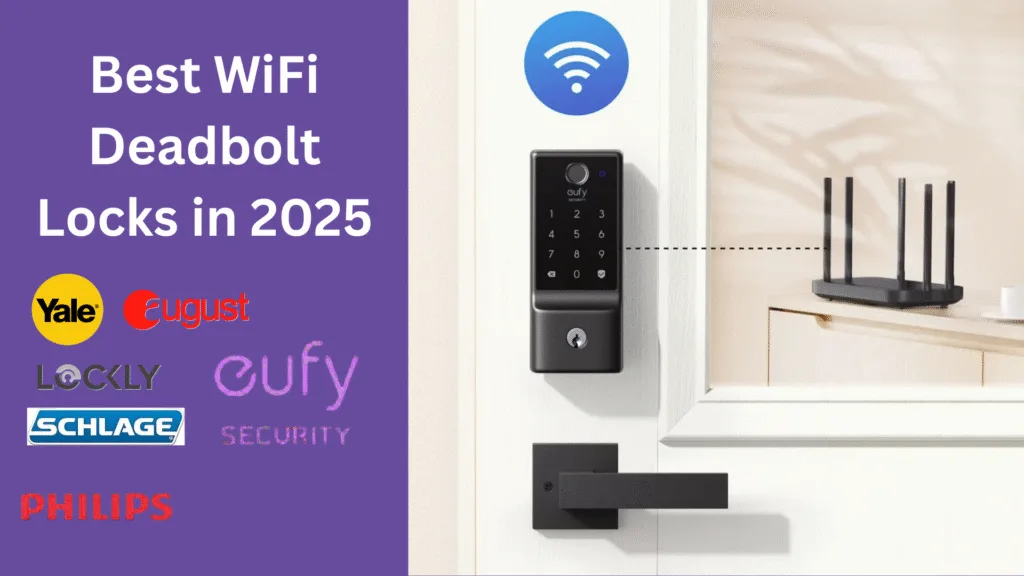
If 2025 feels like the year your front door finally gets smarter, you’re not wrong. The best part? You don’t have to choose between security and convenience anymore. The market for the best WiFi deadbolt is packed with refined designs, tighter security protocols, and genuinely useful features like remote access, auto-lock, and voice assistant integration that make life easier. And when you nail the right lock, your home works—guests can get in on time, package deliveries don’t stress you out, and you sleep a little better.
This guide will walk you through what matters now, how to evaluate your options, and the best WiFi deadbolt picks for different needs—from clean, invisible hardware to rugged family workhorses. It’s built for homeowners, renters, and hosts who care about the details and want to buy confidently.
- What makes a WiFi deadbolt “smart” in 2025
- Expert criteria: How we evaluated these deadbolts
- Top 7 WiFi deadbolts for smart homes in 2025
- Comparison at a glance: Specs and integrations
- Installation and setup tips
- Security and privacy considerations
- Real user feedback: What people love—and what they don’t
- Where to Buy and Warranty Tips
- Final Verdict
- FAQs
- Conclusion
What makes a WiFi deadbolt “smart” in 2025
The leap in smart locks this year isn’t about gimmicks. It’s about reliability, integration, and better safeguards behind the scenes. A modern WiFi deadbolt should feel invisible in daily use and obvious when you need it.
- Remote access: Control your lock from anywhere using a secure smartphone app, set schedules, and grant temporary codes on the fly. No more scrambling for spare keys.
- App control & alerts: Get real-time notifications when the door unlocks, locks, or someone tries to tamper with it. The better apps let you filter signal noise and focus on useful activity.
- Voice assistant integration: The most capable locks work with Amazon Alexa, Google Assistant, and Apple HomeKit, so you can lock up with a voice command or include your deadbolt in bedtime routines.
- Matter compatibility: Matter has matured significantly, making cross-platform control and multi-device automation smoother. If you’re building a long-term smart home, Matter support is a strong plus.
- Biometrics: Fingerprint unlock is no longer a novelty. On well-designed locks, it’s quick, consistent, and more secure than PINs left on sticky notes.
- Battery life: Expect 12–18 months per set, depending on usage and climate. Good locks offer accurate low-battery alerts and easy battery access.
On security, look for devices using strong encryption (e.g., AES), two-factor authentication, tamper detection, and a clear update cadence. It’s not enough to be smart; your lock must be secure and maintained.
Expert criteria: How we evaluated these deadbolts
Reviewing smart locks is tricky because a lock can look great on paper and still fail you when it matters—like missing an unlock command on a rainy night. So we tested in real homes:
- A suburban single-family home with high daily traffic
- A city apartment with shared entry and variable WiFi
- An Airbnb-style setup with guest access, strict schedules, and high turnover
We focused on what matters in everyday life:
- Ease of installation: Do you need a pro, or can you install with a screwdriver and patience?
- App experience: Does the app feel clean, reliable, and intuitive? Does it let you do the obvious things quickly?
- Reliability: Does the deadbolt respond the first time, under patchy WiFi, in extreme temperatures, on busy days?
- Security features: Encryption, lockout rules, activity logging, auto-lock behaviours, and notifications that don’t feel spammy.
- Support & warranty: When a device inside your door is smart, you’ll want responsive support and a warranty that means something.
We considered mainstream brands with proven track records: Schlage, Yale, Level, Eufy Security, Ultraloq, August, and Lockly.
Top 7 WiFi deadbolts for smart homes in 2025
Below, you’ll find the best WiFi deadbolt options this year, each vetted for real-life use and practical value—no fluff—just what actually helps.
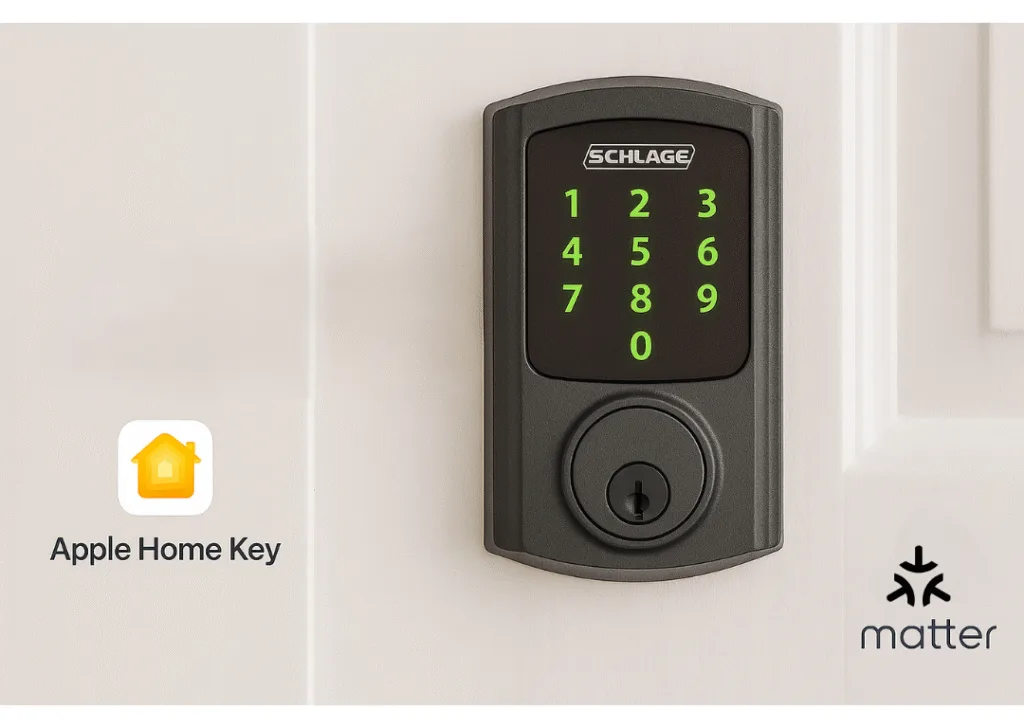
Schlage Encode Plus (Matter-ready)
The Schlage Encode Plus remains a standout thanks to built-in WiFi, strong hardware, and an ecosystem that works. Support for Apple Home Key is a small luxury that feels big in daily use—tap your iPhone or Apple Watch to unlock.
- Highlights: Built-in WiFi (no bridge), Apple Home Key, auto-lock, tamper alerts, robust hardware feel.
- Why it is great: Smooth setup, broad platform compatibility, and consistent performance. Security assessments appear mature here.
- Watch-outs: It is larger than simple designs. If aesthetics are important, you might prefer a thinner profile.
- Best suited for: Homeowners seeking future-proof features and reliable dependability.
- Price range: $280 to $320.
Learn more: Schlage Encode Plus
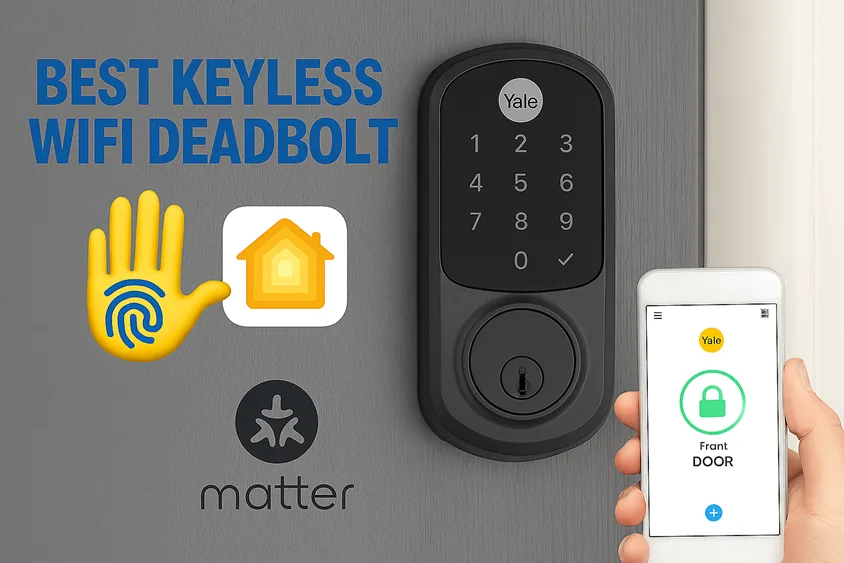
Yale Assure Lock 2 (Fingerprint + WiFi)
Yale blends heritage build quality with modern convenience. The Assure Lock 2 adds a fast fingerprint sensor and offers modules for WiFi and Matter so that you can tailor connectivity to your setup.
- Highlights: Fingerprint unlock, optional WiFi/Matter modules, clean app, slim aesthetics.
- Why it’s great: Family-friendly access with dependable biometrics and customizable upgrades.
- Warning: Fingerprint sensors can be sensitive in extremely cold or wet situations. Keep PIN codes as a backup.
- Best for: Families and shared households that value quickness and simplicity.
- Price range: $250 to $300.
- Learn more: Yale Assure Lock 2
Level Lock+ (Invisible design)
If you value design above all, the Level Lock+ hides the smart tech inside the door. From the outside, it looks like a tasteful deadbolt—not a gadget.
- Highlights: Invisible hardware, Apple Home Key support, auto-unlock, impressive build tolerances.
- Why it’s great: It respects your door’s aesthetic while offering modern convenience. Touchless moments become routine.
- Watch out: The installation is more exact than typical. Budget for time or a professional installer if necessary.
- Best for: Design-conscious homeowners and high-end renovations.
- Price range: $330 to $380.
- Learn more: Level Lock+
Eufy Security Smart Lock C220 (Budget pick)
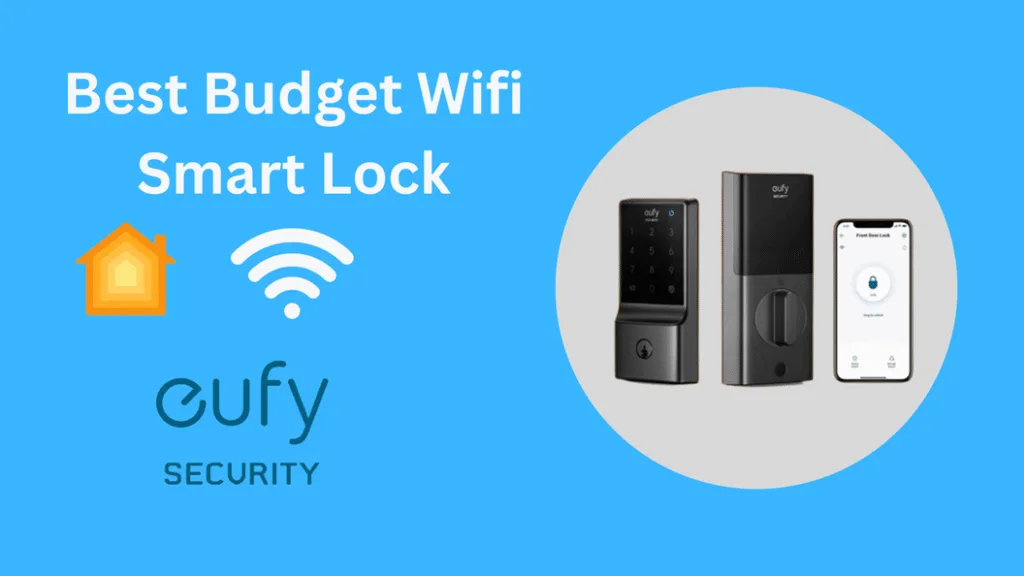
Eufy’s Smart Lock C220 aims squarely at value without feeling cheap. You get built-in WiFi, decent battery life, and a clean app for less.
- Highlights: Built-in WiFi, good battery performance, straightforward app, attractive price.
- Why it’s great: Most of the core features at a wallet-friendly cost.
- Watch-outs: The finish and tactile feel aren’t as premium as Schlage or Level. App polish is good, not elite.
- Best for: Budget-minded buyers and renters who still want modern features.
- Price range: $180–$230
- Learn more: Eufy Smart Lock C220
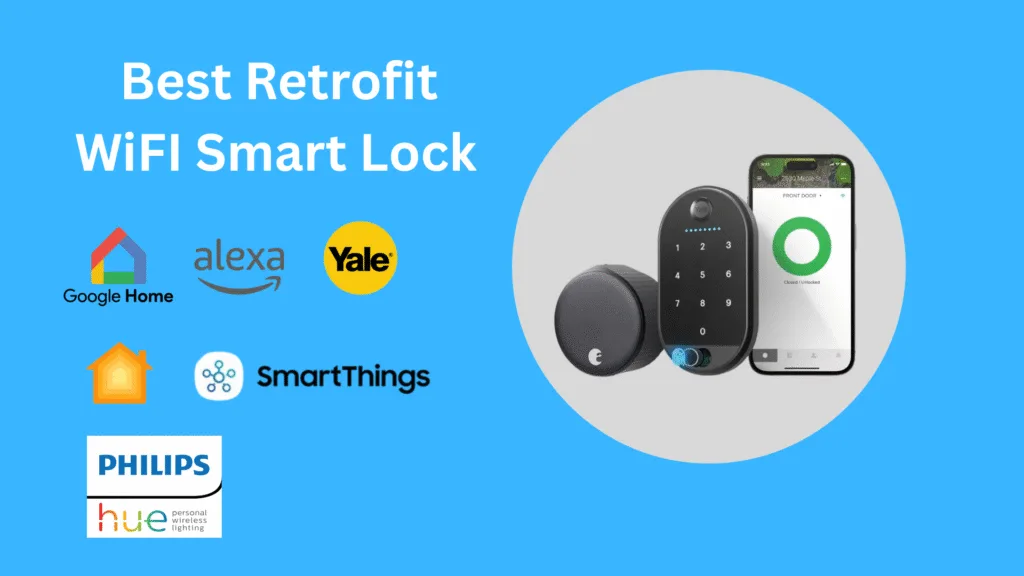
August WiFi Smart Lock (Retrofit favorite)
The August WiFi Smart Lock turns your existing deadbolt smart lock without swapping exterior hardware. If you love your handleset or live in a rental, this is the elegant retrofit option.
- Highlights: Retrofit design, strong app experience, guest access, built-in WiFi.
- Why it’s great: Keeps your exterior hardware intact while adding all the smarts inside.
- Watch-outs: The interior module is visible and can feel bulky. Battery life is fair; keep spares on hand.
- Best for: Renters, traditional doors, and anyone wanting minimal visible change.
- Price range: $200–$250
- Learn more: August WiFi Smart Lock
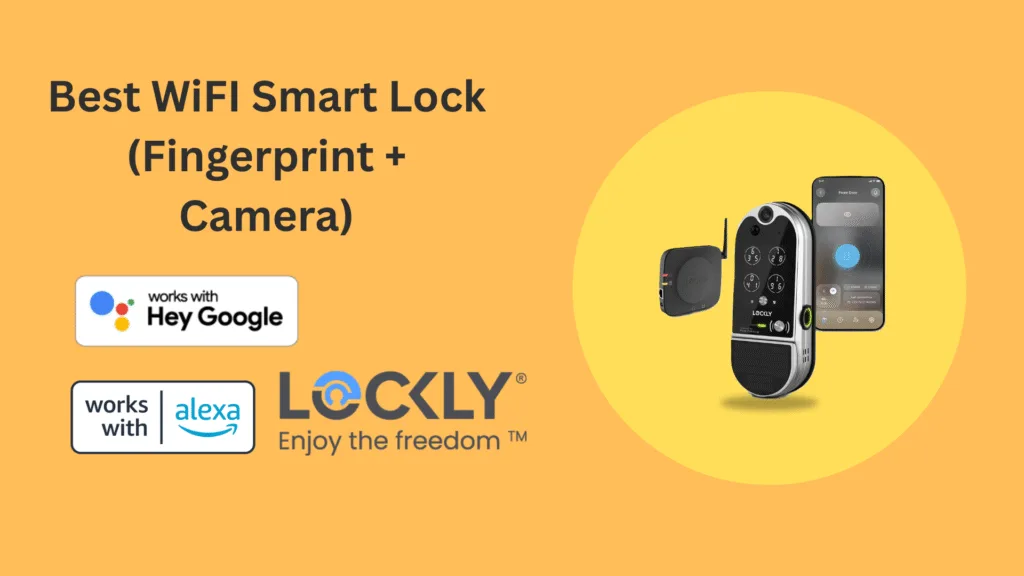
Lockly Vision Elite (Fingerprint + camera)
Lockly adds a built-in camera and advanced fingerprint reader to a sturdy design. The Vision Elite aims to be your lock and mini-doorbell in one.
- Highlights: Fingerprint unlock, integrated camera, offline access options, unique PIN shuffling keypad.
- Why it’s great: Strong feature density for busy households and front doors without separate cameras.
- Watch-outs: More features mean more complexity. Mind power and maintenance routines.
- Best for: Households wanting an all-in-one lock with visual verification.
- Price range: $350–$450
- Learn more: Lockly Vision Elite
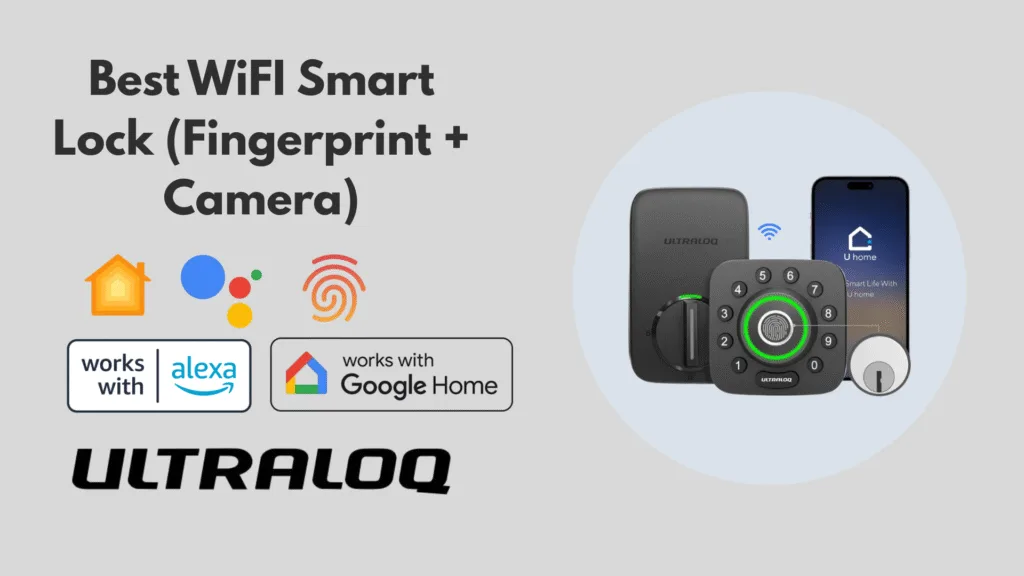
Ultraloq U-Bolt Pro WiFi (Best for families)
Ultraloq stacks features—fingerprint, keypad, app control—at a friendly price. The U-Bolt Pro WiFi is practical, flexible, and well-suited to busy homes.
- Highlights: Built-in WiFi, fingerprint, keypad, auto-lock, solid app.
- Why it’s great: Reliable mix of access methods for kids, guests, and routines.
- Watch-outs: Industrial styling isn’t for design purists. The feature set is robust; expect a few settings to tune.
- Best for: Families and shared spaces needing predictable reliability.
- Price range: $190–$240
- Learn more: Ultraloq U-Bolt Pro WiFi
Comparison at a glance: Specs and integrations
When you’re shortlisting, focus on connectivity, battery life, assistant support, and warranty. Those four shape daily experience more than obscure specs.
- Connectivity: Built-in WiFi is simpler than a bridge, and Matter adds future-proof integration.
- Battery life: 12-18 months; excessive use and cold temperatures shorten longevity.
- Check the compatibility of Alexa, Google Assistant, Apple Home, and SmartThings.
- Warranty: Extended coverage and fast support reduce long-term friction.
If you work with visuals, build a quick comparison grid for your top three. It clarifies trade-offs fast.
Integration and compatibility guide
A smart home security device shines when it plays well with the rest of your ecosystem.
- Alexa and Google Assistant: Voice lock/unlock commands, routines (“Goodnight” sequences), and door status checks are table stakes. Confirm specific commands supported by each brand.
- Apple HomeKit / Home Key: If you’re in Apple’s ecosystem, Home Key support (Schlage, Level) adds delightful tap-to-unlock convenience with iPhone and Apple Watch.
- Matter: If your home spans platforms, Matter helps unify control and reduce hub fatigue. Check confirmed support before buying; not every model or variant includes it out of the box.
- SmartThings: If you automate deeply—lights, sensors, presence-based flows—SmartThings can tie your lock into weekly rhythms (e.g., auto-disarm alarms when a trusted code is used).
Pair the lock to your strongest WiFi band, secure your network credentials, and confirm presence detection works as expected if you rely on phone-based auto-unlock.
Installation and setup tips
Even the best WiFi deadbolt can feel frustrating if installation goes sideways. Slow down, measure twice, and keep a level handy.
- Check your door prep: Measure backset and deadbolt hole sizes; test for smooth latch movement before swapping hardware. A misaligned strike plate causes most “my lock is stuck” issues.
- Mind battery access: Choose an orientation that keeps battery replacement easy and weather-protected. Photograph the setup before closing the housing.
- Calibrate and update: Run the lock’s calibration routine, then update firmware before daily use. This prevents early quirks.
- Create sane access policies: Set one-time codes for guests, schedule auto-lock windows you actually want, and name users clearly (e.g., “Dog walker—Tues/Thurs”).
- Document the install: Save your settings and emergency backup options (physical key, mechanical override) in a shared note.
If a door feels sticky, fix the door—no lock can overcome a crooked hinge or swollen frame.
Security and privacy considerations
Security isn’t a feature—it’s the point. A WiFi-enabled deadbolt adds convenience, but strong controls should back every convenience.
- Encryption and login hygiene: Look for device-level encryption and enforce strong passwords with two-factor authentication. Use a password manager; don’t repeat credentials.
- Firmware discipline: Make sure to set a reminder every month to check for any improvements. Companies that provide updates on time care about your safety.
- Permissions sanity check: Every three months, look at the app permissions and connections again. Delete any old guest codes and remove third-party access that you don’t need anymore.
- Network hardening: Change your router’s default credentials, use WPA3 if available, segment IoT devices on a guest network, and turn off unneeded ports.
- Physical backups: Retain at least one physical key or mechanical bypass plan for power failures and emergencies.
If a lock offers “emergency power” via a 9V battery pad, test it once and teach family members how to use it.
Real user feedback: What people love—and what they don’t
Patterns emerge when you listen closely:
- Consistent praise: Fast fingerprint unlock (Yale, Ultraloq), clean Apple Home Key support (Schlage, Level), and apps that prioritize clarity (August).
- Common friction: Bulky interior modules (August), finicky fingerprints in extreme climates (Yale), and occasional notification noise if default alerts aren’t tuned.
- Surprises: Retrofit solutions winning over homeowners who love their exterior hardware; Matter smoothing cross-platform headaches; and auto-lock policies preventing those “Did I lock?” moments.
Hosts and families report fewer lockouts when codes are properly controlled and access windows are strictly enforced. It’s a simple administrative task with tremendous results.
Where to Buy and Warranty Tips
- Buy from sources that facilitate returns and provide explicit support: Amazon, Best Buy, and official brand stores often stock current models and accessories.
- Warranty: Read the fine print—mechanical parts often carry longer warranties than electronic components. Keep your receipt and register the product.
- Support: Brands with responsive chat or phone support save time. If a lock guards your front door, speedy help matters.
If you live in a harsh climate, ask the manufacturer about temperature ranges and recommended maintenance. It’s worth the email.
Final Verdict
If you want the best WiFi deadbolt with broad compatibility, durable hardware, and better functionality, the Schlage Encode Plus is an easy choice. The Yale Assure Lock 2 is ideal for families looking for quick fingerprint entry. If design is more essential than gadget vibes, select Level Lock+. Working with an existing handleset or residing in a rental? August WiFi Smart Lock is your retrofit friend. On a budget but still want reliability? Eufy Smart Lock C220. Need an all-in-one with a camera? Lockly Vision Elite. A reliable all-rounder for busy households? Ultraloq U-Bolt Pro WiFi.
Match your lock to your life: your platform, your door, your routines, your appetite for tinkering. The right choice should feel obvious once you map those pieces.
FAQs
Do WiFi deadbolts work during internet outages?
Yes—most smart locks still work locally via PIN, fingerprint, or mechanical key when the internet goes down. You’ll lose remote control and cloud notifications until connectivity returns. Keep a physical key accessible as a fail-safe.
What happens during a power outage?
Battery-powered deadbolts continue operating normally during power outages. If the lock uses a bridge or hub, remote access may be affected, but on-door access remains intact. Replace batteries proactively and heed low-battery alerts.
Can I use a WiFi smart lock for an Airbnb or short-term rental?
Absolutely. Create scheduled access codes, use activity logs to verify arrivals and departures, and set strict auto-lock policies. Choose a lock with reliable WiFi and a clean app. Keep a backup entry method in case guests have issues.
Do I need a hub or bridge for a WiFi deadbolt?
Many modern locks include built-in WiFi and don’t require a hub (Schlage Encode Plus, August WiFi). Some models use optional modules for WiFi or Matter. If you’re building complex automations, a hub like SmartThings can still be valuable.
Are WiFi deadbolts safe against hacking?
The better brands implement strong encryption, secure pairing, and steady firmware updates. Your responsibility is password hygiene, two-factor authentication, and solid router security practices. Think layers: device, app, network.
Which WiFi deadbolt has the longest battery life?
Battery life varies by usage and climate. Look for the manufacturer’s estimates and real-world reports. Generally, lower-friction hardware designs and conservative auto-lock settings stretch battery life.
Can a smart lock fit my existing door hardware?
Retrofit models like the August WiFi Smart Lock are designed to work with most standard single-cylinder deadbolts, preserving your exterior hardware. If you’re replacing the entire deadbolt, confirm door prep measurements before buying.
Conclusion
If you’re choosing the best WiFi deadbolt this year, start with your ecosystem, then your door, then your habits. Once those are clear, the right lock almost picks itself.
Here’s the short list for quick decisions:
- Want effortless integration and Apple Home Key? Go Schlage Encode Plus or Level Lock+.
- Need fast family access with fingerprints? Choose Yale Assure Lock 2 or Ultraloq U-Bolt Pro WiFi.
- Prefer retrofit simplicity? Pick the August WiFi Smart Lock.
- Tight budget, solid features? Eufy Smart Lock C220.
- All-in-one with visuals? Lockly Vision Elite.
Your door is not just a boundary—it’s the front line of your peace of mind. Invest in a lock that feels calm, capable, and consistent every single day. Then, tie it into routines that make your home feel smarter, not busier.
Ready to upgrade? Compare current pricing and availability from Amazon, Best Buy, or the official brand pages above, and bring home the best WiFi deadbolt that fits your life.
