
When you purchased your previous home, the door lock was an afterthought. It was only a lock, right? A Grade 2 deadbolt from your local hardware shop. That was then. Today, your front door is the new high-tech frontier, and using old metal keys is like using a rotary phone. It just feels vulnerable.
The truth is that security technology has finally caught up with convenience, and the simple door lock has evolved into an excellent piece of integrated home security. We aren’t just talking about keypads anymore. We’re discussing a powerful security device that you can manage from a different continent, a lock that knows your fingerprint, and one that can tell you when someone tries to tamper with it.
This is the definitive guide for anyone ready to leave the clunky key ring behind. We’ll break down the absolutely key features of smart door lock—the essentials, the luxuries, and the non-negotiables—so you can confidently choose the best guardian for your entryway. If you want true peace of mind, you need to know exactly what’s under the hood of these digital titans.
Key Features of Smart Door Lock
The most compelling reason to switch to a smart lock is to break free from the constraints of traditional physical keys. That small piece of brass in your pocket is a liability waiting to happen: easily misplaced, readily copied and a constant source of anxiety. The future thankfully, offers a myriad of attractive keyless choices that transform your front door into a fortress that only recognizes authorized visitors.
Keyless Entry Options: Convenience Meets Modern Security
Let’s be honest hunting for keys in the rain while balancing a child and three grocery bags sounds terrifying. Various modern keyless entry options are not just for show; they are also intended to reduce moments of vulnerability and tension.
Biometric Door Lock Technology: Fingerprint and Face Recognition
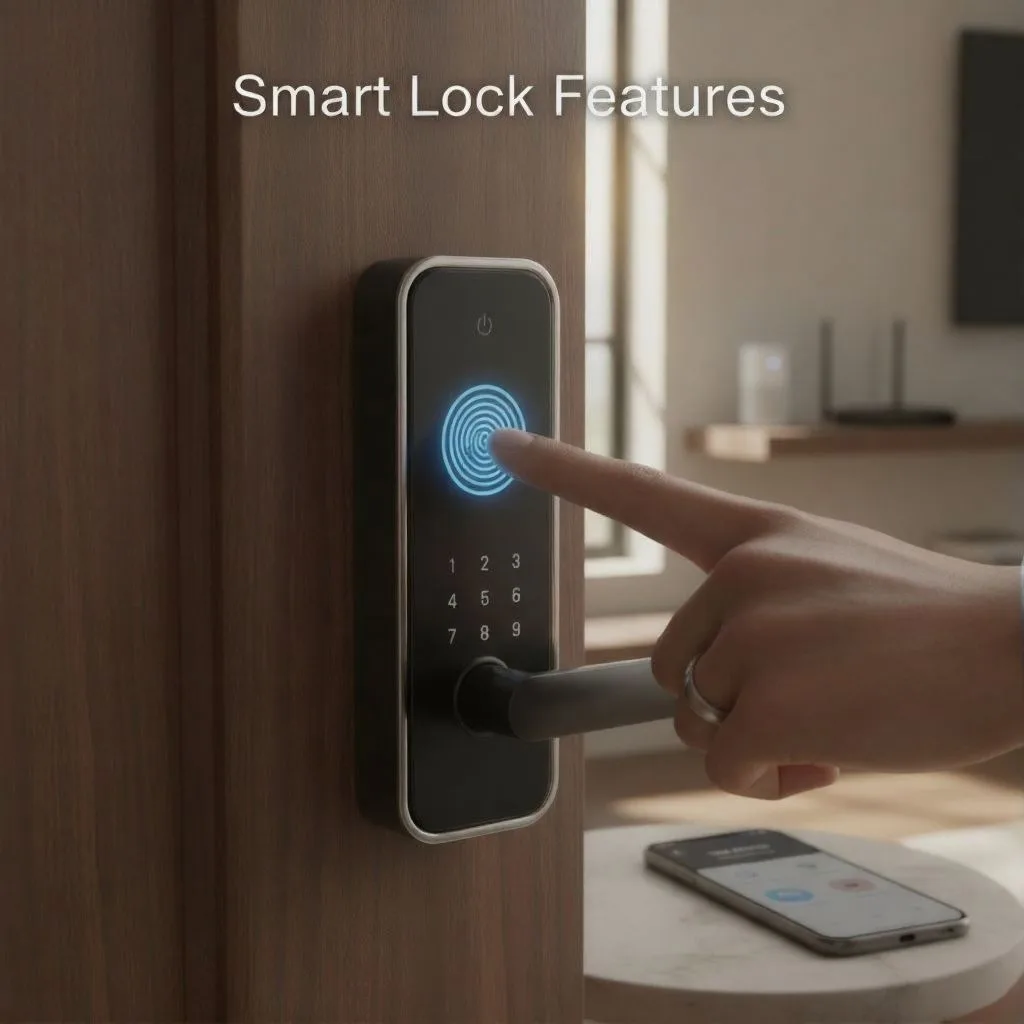
This is where the ‘wow’ factor truly shines, and it’s quickly becoming a regular feature on high-end versions such as the Ultraloq and Lockly Visage. A biometric door lock employs your distinct physical characteristics—your fingerprint or perhaps your face—as the access key. It doesn’t get any more private or safe than that.
Think about it: Your passcode can be guessed, but your fingerprint cannot be replicated without your physical presence. Modern sensors are wickedly fast. We’re talking less than a second for the lock to read your print and throw the deadbolt. Look for locks that use 3D biometric scanning over older optical sensors, as they are virtually impossible to fool with a lifted print or an image.
The most advanced locks are now integrating facial recognition. While still niche, it offers a hands-free, high-speed experience. The key challenge here, of course, is performance in low light—make sure any model you consider boasts excellent night-vision or infrared capability.
Numeric Keypads and Custom Entry Codes
The humble keypad door lock is the workhorse of the smart lock world. It’s the simplest, most universal way to grant access without relying on a smartphone or biometric data. Every smart lock, from the Schlage Encode to the Yale Assure Lock, offers this feature, but the quality of the implementation makes all the difference.
Beyond your main PIN code, the real value here lies in flexibility:
- Temporary/One-Time Codes: This is a godsend for owners of short-term rentals, or even just when the plumber needs access on Tuesday morning. You generate a code that expires at 11 AM that day, and poof—no more worrying about keys being out there in the wild.
- Time-Sensitive Codes: Setting codes that only work, say, between 3:00 PM and 4:00 PM for a dog walker is next-level control.
- Code Scrambling (Anti-Peep Technology): A brilliant, simple solution to a genuine problem. When you punch in your code, you enter a string of random digits before and after the actual secret number (e.g., 72123490). A hidden camera or a pair of prying eyes will only see a long, confusing sequence, rendering the lock virtually “peek-proof.”
Mobile Access and Fob/Card Entry
Your smartphone isn’t just for doom-scrolling anymore; it’s the master key to your house. Most entry-level smart door lock systems rely on Bluetooth. When your paired phone is near the door, a quick tap within the app or even just a press of the keypad button will trigger the unlock sequence.
The superior option, however, uses Wi-Fi or cellular data (more on connectivity later) to enable remote access. Imagine being on vacation and getting a call from the neighbor who needs to feed your cat. You open the app and unlock the door from 2,000 miles away. It’s control, personified.
For those who don’t want to carry a phone or use a code—think young children, elderly relatives, or quick entry for a handyman—many locks include RFID tags/NFC cards or key fobs. These work like a hotel key card—just tap the reader, and the door opens. In the expanding Apple ecosystem, you’ll also see advanced locks that work with Apple HomeKey. You can tap your Apple Watch or iPhone to the lock, making a physical key completely unnecessary. It’s smooth, quick, and honestly, it feels like living in the year 2050.
Remote Control and Smart Home Integration
Here’s where the “smart” in “smart door lock” truly earns its name. The best smart door lock features move beyond simple keyless entry and give you total control, regardless of whether you’re relaxing on the couch or sipping a cocktail on a tropical beach. This is the era of connected security, and connectivity is the backbone.
Remote Access & Monitoring: The Power of Wi-Fi Smart Locks
The moment your lock gets a steady Wi-Fi connection, its capabilities explode. Suddenly, your front door isn’t just a barrier; it’s an active member of your home security team. True remote access means having the full functionality of the lock in your pocket, anywhere in the world.
Integrated Wi-Fi vs. Bridge Connectivity
When shopping, this detail is a common tripwire. You need to know how the lock actually talks to the internet:
- Integrated Wi-Fi: Locks like the Schlage Encode Plus or the newer Yale Assure Lock 2 have Wi-Fi built directly into the lock mechanism. This is the simplest setup—no extra hubs, wires, or devices required. It connects directly to your home network, making it the most seamless option for instant remote control. The downside? Wi-Fi is a notorious battery hog, which is why these locks require robust battery management.
- Separate Hub/Bridge: Many popular locks (including some August Wi-Fi Smart Locks) use Bluetooth for local communication. To enable remote features, they require a separate Wi-Fi bridge or hub plugged into an outlet near the door. This bridge acts as a translator, linking the lock’s local Bluetooth signal to your home Wi-Fi network. While an extra component can feel clunky, this design often results in longer battery life for the lock itself, as Bluetooth drains less power than constant Wi-Fi pinging.
If a true “lock-it-and-forget-it” remote control is your priority, an integrated Wi-Fi smart lock is worth the premium.
Voice Assistant Compatibility and Smart Home Integration
A truly intelligent home needs its components to speak the same language. If your smart lock is an island, you’re missing out on serious automation and security potential. The gold standard today is deep integration with major platforms: Amazon Alexa, Google Assistant, and Apple HomeKit.
This means you can say, “Hey Google, is the front door locked?” from your kitchen, or create a powerful Automation Routine: When the lock detects your return via Geofencing (your phone enters the area), the lock disarms, the living room lights turn on, and the thermostat adjusts. It’s personalized, responsive living.
A massive competitive advantage for new locks is support for Matter. Matter is the open-source industry standard designed to make all smart devices finally—regardless of manufacturer—work seamlessly together. Choosing a Matter-compatible lock today is essentially future-proofing your home security investment. It guarantees that whether you switch from Alexa to HomeKit, your expensive new digital door lock won’t become an obsolete brick.
Real-Time Status Monitoring and Activity Logs
Remote access isn’t just about unlocking; it’s about situational awareness. The best key features of a smart door lock ensure you always know the status of your entry point.
- Push Notifications: Forget wondering if you remembered to lock up. When you drive away, your lock can send an instant alert: “Front door locked successfully.” If someone enters an incorrect code four times, you get a “Tamper Alert” immediately. This immediate feedback is the bedrock of mobile security.
- Activity Logs and History: Every transaction is recorded and time-stamped in the app. This is crucial, whether you’re a landlord monitoring a rental or a parent checking when the kids got home from school. You can see who used a custom entry code and the exact time they entered. This accountability is invaluable, effectively giving your door a memory.
- DoorSense™ Technology: Advanced locks, particularly those by August, include a magnetic sensor (often branded as DoorSense™) that detects not just the deadbolt’s status (locked/unlocked) but the door’s physical status (open/closed/ajar). This means you won’t accidentally lock the bolt against the frame if the door isn’t properly shut—a tiny but mighty feature that stops major headaches.
Security, Safety, and Design
You can have all the smart features in the world, but if the physical lock can be kicked in with a single blow, it’s just an expensive toy. A smart lock must be an uncompromising security barrier first and a convenience device second. This is the domain of mechanical strength meeting advanced digital security.
Advanced Security Features: Protecting Your Home from Tampering
A superior smart lock must defend against two entirely different threats: the analog brute force of a burglar, and the digital sneakiness of a hacker.
H3: Physical Durability and Certification (ANSI/BHMA Grades)
In the security world, this is the most non-negotiable metric. The BHMA (Builders Hardware Manufacturers Association) Grade is a third-party, standardized test of a lock’s quality, durability, and resilience to forced entry.
- Grade 1: This is the highest residential security rating. Locks receiving this designation (like many Schlage deadbolts) are tested to withstand the maximum amount of force, cycle counts (how many times they can be locked and unlocked), and resistance to picking or drilling. If security is your paramount concern, you should accept nothing less than Grade 1.
- Grade 2: A very good rating, suitable for typical residential use, but not quite the ‘bank vault’ status of Grade 1.
- Grade 3: Basic residential security, often found on budget options.
Always check a lock’s mechanical security rating before being dazzled by the digital features. A lock might have a flashy app, but if it only carries a Grade 3 rating, you’re compromising on fundamental safety.
Digital Encryption and Tamper Alerts
On the digital side, look for two things: strong encryption and active defense mechanisms.
- AES Encryption: This is the industry-standard cipher used to protect all data transmitted between the lock, the app, and the cloud. The best smart locks use AES-128 or AES-256 encryption—the same standards used by financial institutions and governments. This makes intercepting or “sniffing” the wireless signal effectively useless to a hacker.
- Tamper Alerts: Beyond notification of incorrect code entry, advanced locks have built-in accelerometer sensors. If someone is physically prying or drilling the lock—or even heavily knocking on the door—the lock registers the unusual vibration. It can sound like a loud, internal alarm (a mini-siren) while simultaneously pushing an alert to your phone. It’s like having an electronic watchdog perpetually guarding your entry.
- SecureScreen™ Technology: Brands like Kwikset and Lockly combat the simple problem of oily fingers leaving fingerprint smudges on the keypad. They force the user to touch two random digits on the screen before entering their actual code. This ensures the oil residue is spread out, preventing anyone from easily guessing the four main digits of your code.
Auto-Locking and Geofencing Functionality
The biggest security hole isn’t technology; it’s human error. How many times have you driven down the street and thought, Did I lock the door? These two features eliminate that worry entirely:
- Auto-Locking: This simple feature automatically extends the deadbolt after a set period (e.g., 30 seconds, 2 minutes) once the door has been closed. It’s a passive safety net that prevents you from forgetting the most basic task.
- Geofencing: This is convenience magic. It uses the GPS location of your paired smartphone. When your phone leaves a set perimeter around your home, the lock automatically ensures it is locked. Conversely, as you approach, it can be set to disarm itself (often called “Auto-Unlock”), giving you that truly hands-free experience when you’re carrying those heavy grocery bags.
Practical Considerations and Installation
No matter how many bells and whistles a lock has, if it’s a pain to install or if a dead battery leaves you stranded, you’ll quickly regret your purchase. This final pillar focuses on the pragmatic, everyday realities of owning a digital door lock.
Power Management and Installation Options
A smart lock is powered by magic. Wrong. Batteries power it. And knowing what happens when those batteries die, and how easy the lock is to install, is critical to user satisfaction and long-term security.
Battery Life and Emergency Override
The vast majority of residential smart door lock units run on four standard AA batteries. Their lifespan is a function of usage: the more you lock and unlock, the faster they drain. Locks relying on constant Wi-Fi Smart Lock connection (instead of low-power Bluetooth) will see faster drain, too.
Video Credits: @smartonesolutions3792
On average, expect the batteries to last between 6 to 12 months with typical usage (10-15 cycles per day). But here’s the most important part: they won’t just die without warning.
- Low-Battery Warnings: Every quality brand has built-in redundancy. You’ll receive push notifications on your phone, a continuous beeping sound when you operate the lock, or a flashing LED light on the keypad, often for up to two weeks before the batteries totally deplete. Ignoring these signals is simply asking for trouble.
But let’s be real. Life happens. What if you do get locked out? This is where the Emergency Failsafe features come into play—the security blanket every smart lock must have:
- Mechanical Key Override: Many top-tier locks (like those from Schlage and Yale) intentionally retain a traditional keyhole, often hidden discreetly under a cover or on the front panel. It’s the ultimate ‘old-fashioned way’ backup, ensuring you can access your home even if the electronics fail.
- Backup Power Terminal: For locks without a physical keyhole (or if you’ve somehow lost the backup key!), many units feature two small external contact points—usually at the very bottom of the keypad. You hold a common 9V battery against these terminals. This provides a temporary shot of power, enough to activate the keypad, enter your code, and get inside to replace the internal batteries. It’s a brilliant, low-tech solution to a high-tech problem. Some newer, premium locks even include an external USB-C port for emergency charging via a standard power bank.
Door Compatibility: Full Replacement vs. Retrofit Smart Lock
Before you get out the screwdriver, you must decide what type of lock installation is right for your door and your living situation.
- Full Replacement Smart Lock: This involves ripping out your existing deadbolt entirely and installing a complete new system, including a new bolt, exterior keypad/scanner, and interior hardware. This is necessary if you want a built-in keypad, biometric scanner, or a handle/lever replacement. It gives you the full suite of features and the highest physical security rating (assuming you choose a Grade 1 lock). The main drawback? You lose the ability to use your old keys, and installation is slightly more involved.
- Retrofit Smart Lock: These locks, notably popularized by August, are often dubbed the “renter-friendly solution.” They replace only the thumbturn on the inside of your door. Your existing exterior lock, keyhole, and deadbolt mechanism remain completely untouched. The huge upside is you keep your existing keys, maintain the aesthetic of your exterior hardware, and installation is usually a 10-minute job with just a screwdriver. The drawback is you typically won’t get a keypad or biometric entry on the exterior.
The choice is simple: Full Replacement for maximum features, security, and a cohesive look; Retrofit for ease, budget, and the ability to keep your original keys.
FAQs
Are smart door locks really safer than traditional locks?
They offer a different, multi-layered security profile. While a high-grade traditional deadbolt offers superior mechanical resistance, a quality smart lock adds two major advantages: digital protection (AES-256 encryption) and control. A physical key can be copied; a code can be tracked and changed instantly. The combination of a BHMA Grade 1 deadbolt and digital controls makes the total system significantly safer and more transparent than a purely mechanical lock.
What happens if the power goes out or my home Wi-Fi is down?
Your lock will still work locally! Since smart locks are battery-powered, a general power outage only affects the Wi-Fi/remote functions. You can still use your keypad, fingerprint reader, or Bluetooth app access. If the lock’s internal batteries are dead, that’s when you must rely on the emergency key override or the 9V battery terminal mentioned above. Your lock won’t suddenly open, nor will it become permanently locked; it remains in its last secure state until power is restored or batteries are replaced.
How do I choose the best smart door lock for an Airbnb or rental property?
Prioritize locks with remote access and temporary entry code features. You need the ability to generate time-limited codes from anywhere immediately after a guest books or checks out. A comprehensive activity log is also essential for tracking check-in times and accountability. Locks like Ultraloq or Yale that offer direct integration with Airbnb hosting apps minimize administrative headaches.
Can a smart door lock be hacked, and how do I prevent it?
While nothing is truly unhackable, a reputable smart lock using military-grade AES-256 encryption is highly resistant to casual cyberattacks. The most common security failure isn’t a digital hack, but a user failure: a weak PIN code or sharing the code too widely. To prevent issues, always enable two-factor authentication (2FA) in the app, use a unique and strong PIN, and ensure you run all firmware updates promptly, as these often contain security patches.
Is professional installation required for a new digital door lock?
For a simple single-cylinder deadbolt replacement or a retrofit, professional installation is generally not required. Most modern smart locks are designed for DIY installation and only require a standard Phillips head screwdriver. The instructions, often paired with an easy-to-follow video, are typically better than those provided with traditional hardware. You only need a professional locksmith if your door requires new drilling or if you have complex mortise locks.
Conclusion
The journey from a simple metal key to an integrated, smart home security device is complete. The key features of a smart door lock—from biometric access and remote monitoring to fail-safe power backups and BHMA Grade 1 durability—are designed to give you ultimate control and unprecedented peace of mind. Investing in this technology is not just about convenience; it’s a commitment to a higher standard of home protection.
By carefully considering your needs—connectivity, keyless preference, and security rating—and choosing a lock with robust features and a trusted brand reputation, you can finally close the door on key anxiety for good. The future of security is right there on your front door, waiting for your touch.
This video discusses how to get power to a digital lock in an emergency, which is directly relevant to the power management and emergency override features covered in this article section. Digital Door Lock | How to Provide Emergency Backup Power
