
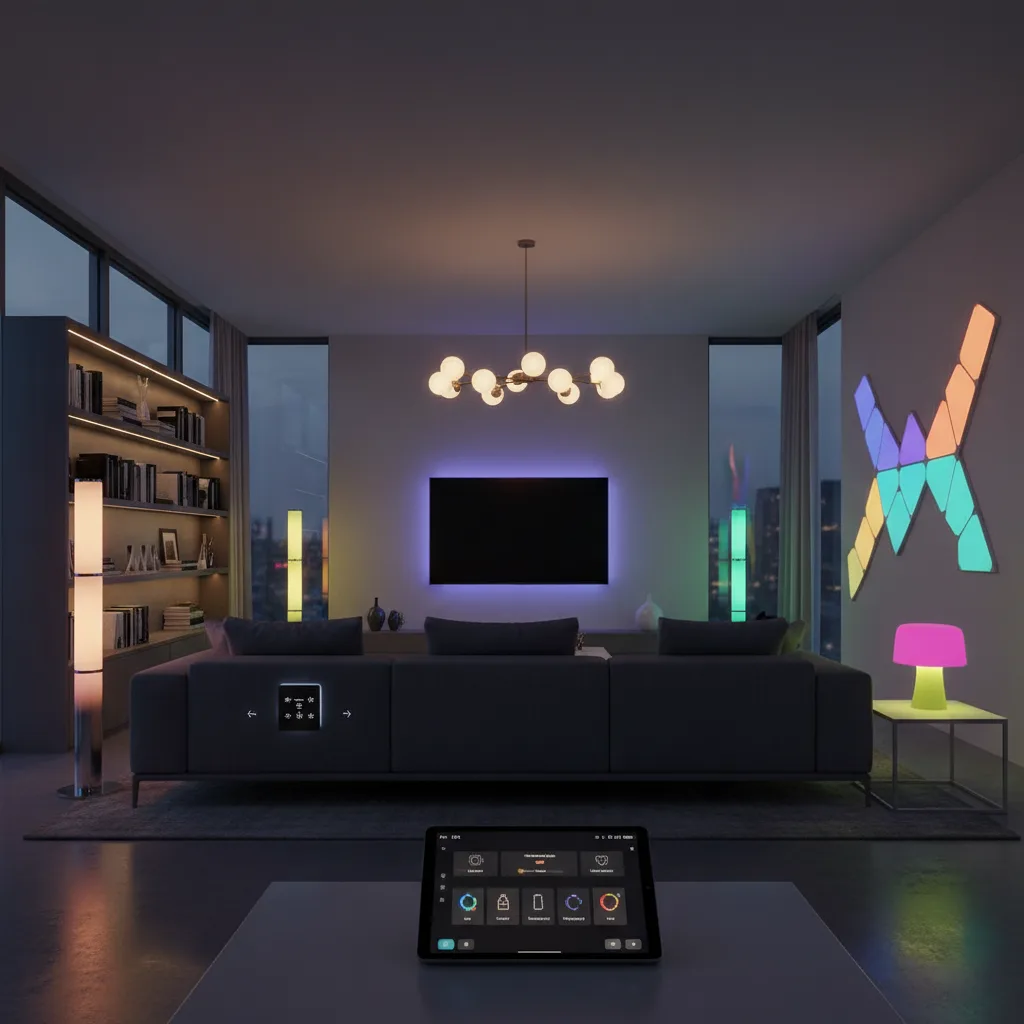
You’re standing in the smart lighting aisle—physical or digital—staring at dozens of options. Philips Hue. LIFX. Wyze. Govee. Names that mean nothing until you’ve done three hours of research and still feel confused.
Which is the best smart lighting system for your home? Not some tech reviewer’s lab. Your rental apartment. Your split-level house. Your specific budget and the voice assistant you actually use.
Here’s the truth: there’s no universal “best.” There’s only the best for you. But after testing these systems in real homes (not sterile testing environments), clear patterns emerge. Some excel at color accuracy. Others win on price. A few just work without endless troubleshooting. Let’s figure out which smart lighting system fits your home, your budget, and your patience level.
What Actually Makes a System “Best”
Before diving into specific brands, let’s establish what separates exceptional smart lighting from frustrating garbage you’ll abandon after two months.
Ecosystem compatibility tops the list. Your lights should work with whatever voice assistant you’ve already committed to—Alexa, Google Assistant, or Apple HomeKit. Switching assistants to accommodate bulbs is backwards thinking. The lights should adapt to you, not vice versa.
Reliability matters more than features. A bulb that disconnects weekly isn’t smart—it’s annoying. Look for systems using proven protocols like Zigbee or stable Wi-Fi implementations. Bluetooth-only systems work great until you leave the room.
Expandability becomes crucial once you’re hooked. Can you add outdoor lights? Light strips? Motion sensors? The best systems grow with your ambitions without forcing platform switches. Starting with three bulbs but maxing out at five is a dead end.
Actual color quality varies wildly. Some “16 million colors” look washed out and dim. Others produce vibrant, accurate hues even at full saturation. This especially matters if you’re using colored lighting for anything beyond occasional party mode.
Price matters, obviously. But consider the total cost of ownership. A $60 hub plus $25 bulbs might beat $50 hub-free bulbs if you’re lighting multiple rooms. Do the math for your scenario.
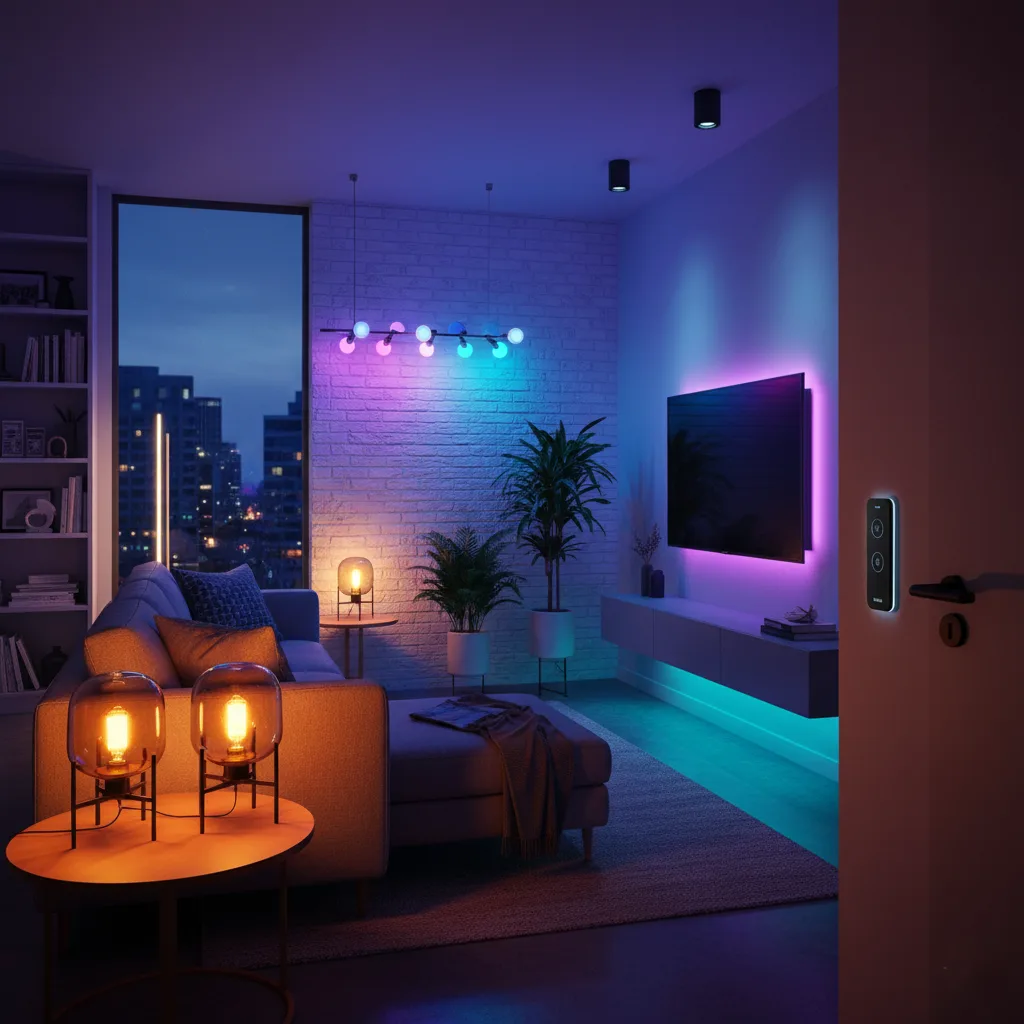
The Best Smart Lighting System For Your Home
The Premium Champion: Philips Hue
Let’s address the elephant in the room. Philips Hue costs more. Sometimes significantly more. But there’s a reason it dominates smart lighting discussions.
The Hue Bridge creates a dedicated Zigbee mesh network. This means your lights respond instantly—not internet-dependent instant, but actual instant. Even if your Wi-Fi dies, local automations keep running. The system scales to 50 bulbs per bridge without choking.
Color accuracy is exceptional. The white spectrum ranges from 2000K candlelight to 6500K daylight with smooth transitions. Colors look like they should—deep blues, accurate reds, not the muddy approximations cheaper bulbs produce. If you’re setting mood lighting or working with color-critical tasks, the difference is noticeable.
The ecosystem is massive. Hue offers everything: standard bulbs, flood lights, light strips, outdoor lighting, motion sensors, dimmer switches, and even gradient lightstrips that display multiple colors simultaneously. You won’t outgrow it.
Third-party integration is comprehensive. Works with every major voice assistant, home automation platform, and even entertainment sync features that match lighting to your TV or music. The Hue Sync Box is overkill for most people, but amazing if you want it.
The downsides? That initial bridge requirement adds $60 to your startup cost. Individual bulbs run $45-50 for color versions. You’re paying premium prices for premium performance. Worth it if lighting matters to you. Overkill if you want basement lights to work with Alexa.
The Hub-Free Alternative: LIFX
LIFX built its reputation on one selling point: no hub required. Each bulb connects directly to your Wi-Fi network—one less device to plug in, configure, and troubleshoot.
The bulbs are genuinely bright—1100 lumens on color models, which beats most competitors. Color saturation is impressive, with deep colors that don’t sacrifice brightness. The whites are also excellent, with a good CRI (color rendering index) that makes your home look natural.
Setup is straightforward. Download the app, screw in bulbs, and connect them to Wi-Fi. You’re controlling the lights in minutes. The LIFX app offers scenes, schedules, and day/dusk timing that adjust with seasons.
But Wi-Fi connectivity has trade-offs. Each bulb needs an IP address. Install twenty bulbs and you’ve added twenty devices to your network. Some routers struggle. Response times occasionally lag compared to hub-based systems. And if your internet goes down, cloud-dependent features stop working.
The bulbs are also larger than standard, which matters in some fixtures. Check dimensions before buying. And at $40-50 per color bulb, you’re paying Hue-level prices without the ecosystem depth.
LIFX works best for: People who hate hubs. Apartments with 5-10 lights max. Anyone with a robust router that can handle multiple connected devices. If you’re lighting a whole house, reconsider.
The Budget King: Wyze
Wyze disrupted smart home pricing, and their lighting is no exception. Color bulbs under $15. White bulbs around $8. Even their light strips cost half what competitors charge.
Here’s the shocking part—they actually work well. The Wyze app is clean and intuitive. Setup takes minutes. Colors are decent for the price (not Hue quality, but acceptable). Brightness is adequate at 1100 lumens for color bulbs and 800 lumens for white-only.
The bulbs use Wi-Fi, so no hub is needed. They integrate with Alexa and Google Assistant without issues. Schedules and vacation mode work reliably. For basic smart lighting on a strict budget, Wyze delivers surprising value.
Limitations exist. The ecosystem is limited—bulbs, strips, and not much else. No outdoor options yet. Color accuracy doesn’t match premium brands. The whites lean slightly cool, even at warm settings. And Wi-Fi means the same network congestion issues as LIFX.
But for renters, first-time smart home buyers, or anyone testing the waters before committing, Wyze makes sense. You can outfit three rooms for what two Hue bulbs cost. If you hate it, you’re out $50 instead of $300.
The Creative Option: Nanoleaf
Nanoleaf isn’t trying to replace your standard lighting. They’re creating lighting as art. Their modular LED panels mount on walls in geometric patterns, producing stunning visual effects impossible with traditional bulbs.
The Shapes series includes triangles, hexagons, and mini triangles you arrange however you want. Each panel displays independent colors, creating flowing patterns across your wall. The effect is legitimately impressive—part lighting, part art installation.
They’ve expanded beyond panels into bulbs and light strips, all integrating into a cohesive ecosystem. The bulbs are competent (though not exceptional). The real magic is mixing different form factors for layered lighting effects.
Setup requires the Nanoleaf controller hub (included with starter kits). The system uses proprietary wireless communication between panels, with the controller connecting via Wi-Fi or Thread to your network. Works with all major voice assistants and supports Matter on newer products.
The downside is cost. Starter kits run $200-300, with expansion panels at $50-70 each. This isn’t lighting on a budget. But if you want your home to look like a cyberpunk dream, nothing else compares.
Nanoleaf fits: Gamers. Content creators. Anyone prioritizing aesthetics over pure functionality. Renters are fine—panels use command strips that remove without wall damage.
The Ambient Specialist: Govee
Govee dominates one niche: ambient lighting. Their light strips and LED solutions offer incredible value with genuinely useful features.
The Govee Envisual TV Backlight uses a camera to analyze your screen’s colors, then matches your LED strip to what’s displayed. Watching movies with synchronized ambient lighting is genuinely immersive. The effect works better than you’d expect for the $80-120 price point.
Their standard Wi-Fi light strips come with extensive color options, music sync, and app controls. At $20-40, depending on length, they undercut most competitors. Quality is surprisingly good—bright LEDs, decent adhesive, smooth color transitions.
Govee recently released smart bulbs that integrate with their ecosystem. They’re budget-priced but feature-rich, including Matter support on newer models. The app can control everything together—bulbs, strips, lamps—creating whole-home scenes.
Caveats: The app can be overwhelming with features buried in menus. Wi-Fi connectivity means no hub, but also no mesh network advantages. And quality control is occasionally spotty—read recent reviews before buying specific products.
Best for: Accent lighting. TV backlighting. Gaming setups. Anyone wanting impressive effects without premium prices. Not ideal as your only lighting solution, but excellent as a complement.
The Google-Integrated Option: C by GE
If you’re deep in the Google ecosystem, C by GE deserves consideration. These bulbs integrate directly with Google Home without additional hubs (though they also offer Bluetooth models that need no hub at all).
The Direct Connect bulbs link straight to Google Home via the built-in smart home hub in Nest devices. This creates a local control system that’s responsive and reliable. The integration is tighter than generic Works with Google products.
Pricing sits between budget and premium—$25-35 per color bulb. Quality is solid. Colors are acceptable. Brightness is adequate. Nothing exceptional, but nothing offensive either. They’re competent smart bulbs that prioritize Google integration above all.
The limitation is obvious: they’re optimized for Google. Alexa and HomeKit support is secondary. If you might switch ecosystems later, you’re locking yourself in. The product range is also limited compared to Hue or LIFX.
C by GE works for: Google Home devotees. Anyone with Nest speakers/displays who wants seamless integration. People are certain they’ll stay in Google’s ecosystem long-term.
Choosing Your System: Real Scenarios
You’re renting an apartment. Go with Wyze or LIFX—no professional installation needed. Take everything with you when you move. Wyze wins on price; LIFX wins on quality. Both are completely portable.
You own your home and want the best. Philips Hue justifies its cost with performance, reliability, and expandability. You’ll use it for years. The ecosystem lets you gradually build a comprehensive smart lighting system, room by room.
You’re on a tight budget but want smart lighting. Wyze bulbs for main lighting, Govee strips for accents. Total cost for a two-bedroom apartment: under $150. You’ll sacrifice some features and polish but gain core smart lighting functionality.
You use Google for everything. C by GE offers the smoothest Google integration. Alternatively, Hue works excellently with Google while keeping your options open for ecosystem changes.
You want lighting that impresses guests. Nanoleaf panels create a dramatic visual impact. Supplement with Govee TV backlighting for entertainment areas. Budget accordingly—this combo isn’t cheap.
You’re building a whole-home system. Hue or Lutron Caséta (which focuses on smart switches rather than bulbs). Both scale beautifully and won’t let you down five years in.
Installation Reality Check
Every manufacturer claims “easy setup in minutes.” Sometimes that’s true. Sometimes you’ll spend an hour troubleshooting connectivity.
Hub-based systems (Hue, Caséta) have a smoother setup because the hub handles network complexity. Plug in the hub, connect to the router, and add devices. It just works—usually on the first try.
Wi-Fi bulbs can be finicky. Your phone needs to be on 2.4GHz, not 5GHz. Some routers isolate guest networks, blocking setup. If you live in an apartment building with dozens of overlapping networks, connection stability varies.
The actual physical installation? Screw in the bulb. That’s it. The hard part is the digital side—app connections, voice assistant linking, and creating automations. Budget 30-60 minutes for your first smart lighting setup, regardless of system.
Pro tip: Reset problem bulbs using their specific reset sequence (usually rapid on/off cycles). This solves 80% of connectivity issues. Check manufacturer websites for exact procedures—they vary by brand and model.
Beyond Bulbs: Complete Lighting Solutions
Smart bulbs are just the beginning. Complete smart lighting systems include:
Light strips transform spaces. Under-cabinet kitchen lighting. Stair illumination. TV backlighting. Behind headboards. They add dimension impossible with overhead lights alone. Hue, Govee, and LIFX all offer solid options.
Smart switches control non-smart bulbs intelligently. Perfect for fixtures with multiple bulbs where smart bulbs would be expensive. Lutron Caséta and Leviton lead this category. They require neutral wires and basic electrical knowledge, but renters should skip them anyway.
Outdoor lighting extends your smart home to landscapes and security. Hue dominates with weatherproof bulbs and fixtures, but expect premium prices. Govee offers budget outdoor light strips that handle weather surprisingly well.
Motion sensors automate without voice commands. Lights turn on when you enter a room, off when you leave. Hue, Wyze, and most dedicated smart home hubs support motion-activated lighting with compatible sensors.
The best approach? Start with bulbs in your most-used rooms. Expand gradually. Add strips for accent lighting. Include outdoor lights for security. Build your system over months, not days.
FAQ: Your Smart Lighting Questions Answered
Can I mix different smart lighting brands in one home?
Absolutely, though managing multiple apps gets annoying fast. Using a unified smart home hub like Samsung SmartThings or Home Assistant consolidates control. Matter-certified products simplify multi-brand setups significantly. Many enthusiasts run Hue for main lighting, Govee for accents, and manage everything through Google Home or Alexa routines. Just avoid mixing protocols requiring separate hubs unless you enjoy complexity.
Which smart lighting system has the fastest response time?
Hub-based systems using Zigbee or Z-Wave respond fastest—typically under 200 milliseconds. Philips Hue consistently delivers instant response because commands don’t route through internet servers. Wi-Fi bulbs add latency since most send commands to cloud servers first, then back to your bulb. Local Wi-Fi control helps, but still lags behind dedicated mesh networks. Bluetooth is fast within range but useless remotely.
Do I need smart bulbs in every fixture?
Not even close. Focus on lights you actually control—living room lamps, bedroom fixtures, kitchen pendants. Closets, garages, and bathrooms often work fine with standard bulbs and regular switches. Many people use smart lighting only for ambiance and accent areas while leaving utility lighting dumb. This saves hundreds of dollars without sacrificing functionality you’d actually use.
What’s better for renters—smart bulbs or smart switches?
Smart bulbs win for renters every time. They’re completely portable, require zero installation beyond screwing them in, and leave no trace when you move. Smart switches require electrical work and often permanent changes that landlords won’t approve. The only exception: if your rental has lamps rather than built-in fixtures, smart plugs might be simpler and cheaper than smart bulbs.
How much does a complete smart lighting system actually cost?
Budget systems start around $100-150 for basic coverage (5-8 bulbs using Wyze or Govee). Mid-range setups run $300-500 with better bulbs and a few strips. Premium whole-home systems cost $800-1500+ using Hue or Nanoleaf with comprehensive coverage. Your actual cost depends on home size and ambition. Most people start small—under $200—then expand over time as budget allows and needs clarify.
Will my smart lights work if the internet goes down?
Depends on your system. Hub-based solutions like Philips Hue maintain local control when the internet dies—your automations and physical switches keep working. Wi-Fi bulbs relying on cloud services lose remote control and voice commands, though some preserve local network functionality. Bluetooth bulbs work within range regardless of the internet. Matter certification emphasizes local control, improving this situation across brands as adoption increases.
Can smart lighting really reduce energy costs?
Yes, but probably not as dramatically as you hope. Smart bulbs use LED technology that already saves 75% compared to incandescent bulbs. The smart features add maybe another 10-20% through automation—lights that turn off when you forget, dimming when full brightness isn’t needed. If you’re already using dumb LEDs, savings are minimal. If you’re replacing incandescents or halogens, savings are substantial regardless of smart features.
Which system works best for people with disabilities or mobility issues?
Voice control transforms accessibility—Amazon Alexa, Google Assistant, or Apple HomeKit let people control lighting without moving. Any system with strong voice integration works. Motion sensors automate lighting based on presence, eliminating switches entirely. Hue offers the most comprehensive options, including dimmer switches that users can mount anywhere. The best choice depends on specific needs, but smart lighting genuinely improves independence and quality of life.
Light the Way Forward
So what’s the best smart lighting system for your home?
If you want uncompromising quality and comprehensive features, Philips Hue. Yes, it costs more. It’s worth it. If you’re budget-conscious but serious about smart home tech: Wyze for bulbs, Govee for accents and effects. If you despise hubs and want maximum simplicity, LIFX delivers quality without ecosystem complexity. If you’re locked into Google’s world, C by GE offers the tightest integration with your existing setup. If you want your home to look like the future, Nanoleaf creates visual drama that nothing else matches.
The honest truth? You’ll mix systems. Hue in the living room for reliability. Govee strips around the TV. Wyze bulbs in bedrooms where color accuracy doesn’t matter. Smart lighting isn’t one decision—it’s a series of choices as you discover what matters to you.
But you need to start somewhere.
Here’s what to do right now: Pick one room. The living room makes sense because you’re there most. Choose a system based on your budget and ecosystem. Buy a starter pack—most brands offer two-bulb kits with necessary hubs. Install it this weekend. Live with it for two weeks.
You’ll quickly learn what features you actually use versus what sounded cool in reviews. Some people obsess over color-changing. Others want reliable dimming and voice control. Your preferences determine which system fits best—not some reviewer’s opinion.
The smart lighting market has matured. Any major brand delivers core functionality reliably. The differences are polish, ecosystem, and expandability. You really can’t go wrong as long as you match the system to the situation.
Ready to stop fumbling for light switches? Start with this Philips Hue starter kit if you want the best, or grab some Wyze bulbs if you’re going to test the waters affordably. Transform your home’s lighting from dumb to brilliant—one room at a time.
Your light switches have waited long enough for an upgrade.
